Archive for the ‘digital’ Category

Cooler Opening Title Design, Cutout Animation Character Chaz

Cooler Opening Title Design, Cutout Animation Character Chaz, Giles Timms 2011
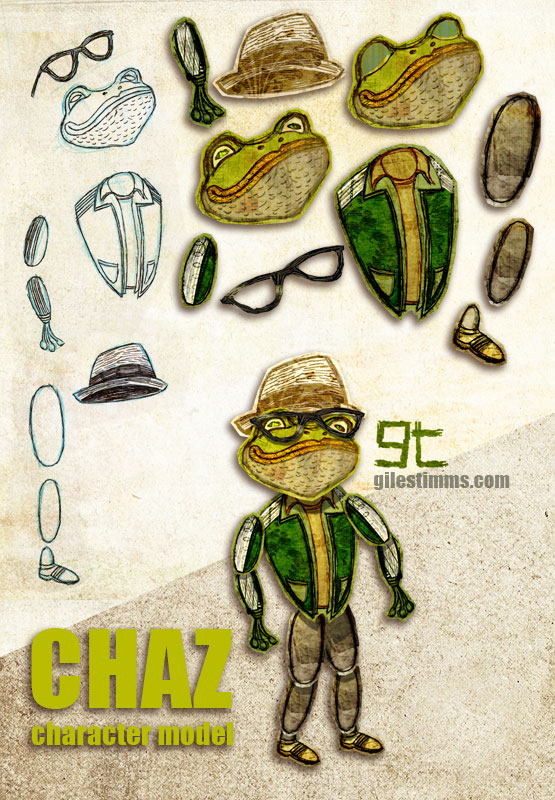
Above is a cutout animation character called ‘Chaz’ for the opening tile sequence that I am animating for the independent film, ‘Cooler’. I am also animating several animated sequences within the film.

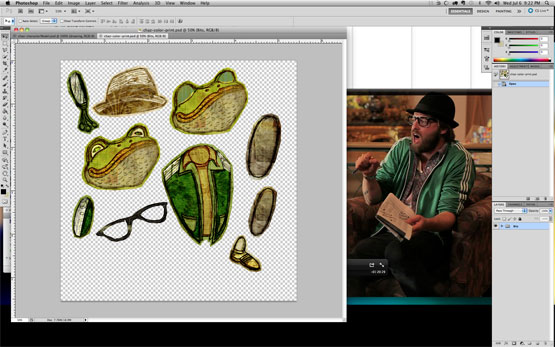
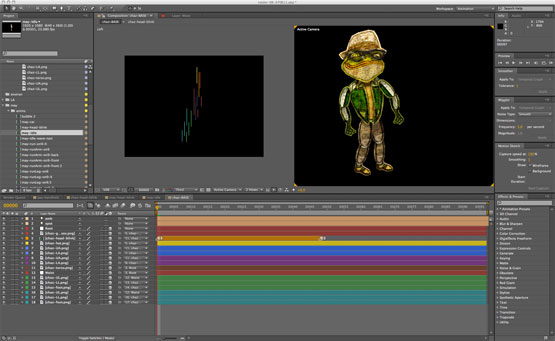
This model sheet shows my cutout character design process and includes my initial character design hand drawn on paper with pencil, pen and ink, the cutout body bits colored and textured in Photoshop and the final character rig assembled in After Effects. I’ve also included screen shots of the cutout character in Photoshop (with the live action character reference) and the rigged character in After Effects.

Cooler Opening Title Design, Cutout Animation Character Chaz in Photoshop, Giles Timms 2011

Cooler Opening Title Design, Cutout Animation Character Chaz in After Effects, Giles Timms 2011

‘Cooler’ is directed by Silas Howard and Ernesto Foronda.
‘Cooler’ on IMDB

Buckaroo

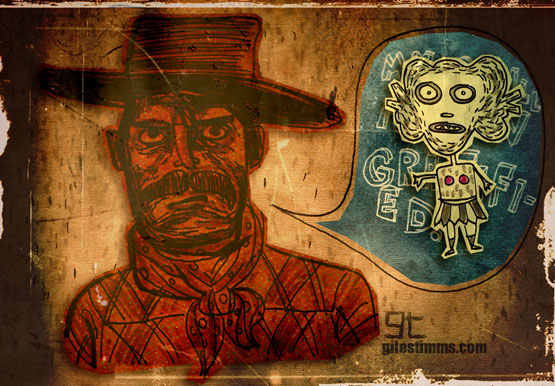
Buckaroo, Giles Timms 2011

Sketchbook drawings (pen and ink) colored, textured and composited in Photoshop.

Lucky, an HBO Documentary

Lucky, an HBO Documentary, Giles Timms 2010

I created several of the animated sequences for ‘Lucky,’ a documentary that aired on HBO last month.
The documentary, by Jeffrey Blitz, aired on July 19th as part of HBO’s summer of documentaries. ‘Lucky’ focuses on “chronicling the many, and often sobering, effects winning a big jackpot can have on a person” (Television review: ‘Lucky’ on HBO by the Los Angeles Times).

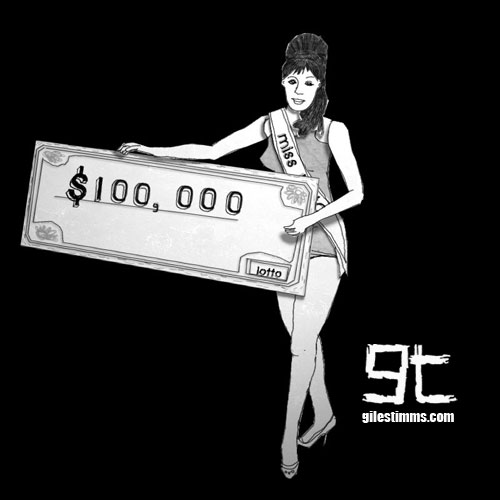
The above character design is Miss Lotto. She was one of the characters that never made it into the final cut. Miss Lotto is a very simple cut-out character composited and animated in After Effects. Miss Lotto was drawn in Photoshop with a Wacom, lightly textured in Photoshop, cut out and then all her girly bits were imported into After Effects.

Lucky premiered at Sundance 2010.

Tribute Illustration for the Cover of MungBeing Magazine

Tribute Illustration, MungBeing Cover, Giles Timms 2010
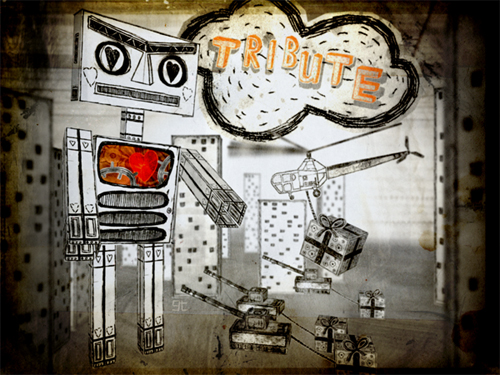
This is the illustration, entitled ‘Tribute,’ that I created for the cover of MungBeing Magazine. The illustration was for Issue #31 for the theme of tribute. Hand drawn, colored in Photoshop and composited in After Effects.

If you’d like a free iPhone/iPod Touch sized wallpaper, you can download a wallpaper of this illustration here: http://www.gilestimms.com/wallpapers.html

Thanks to Mark Givens, editor of MungBeing :)

Wedding Invitation

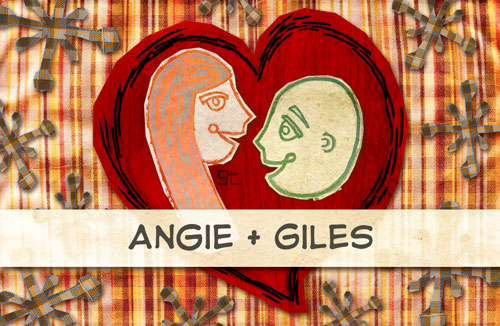
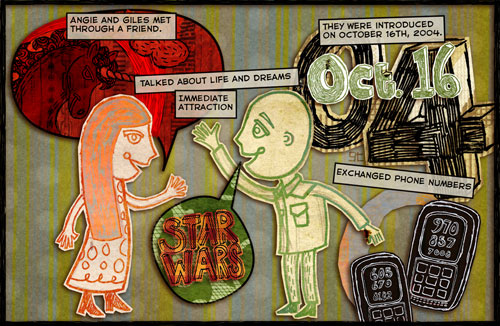
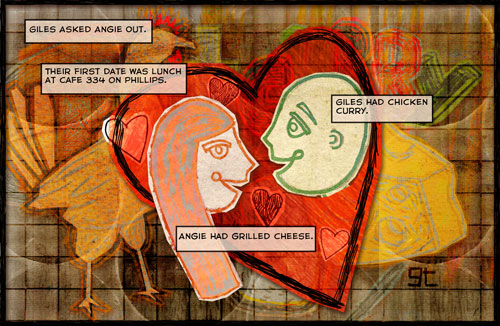
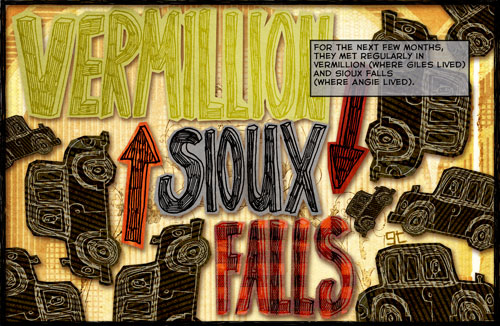
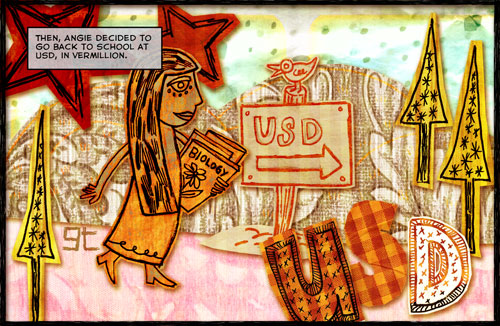
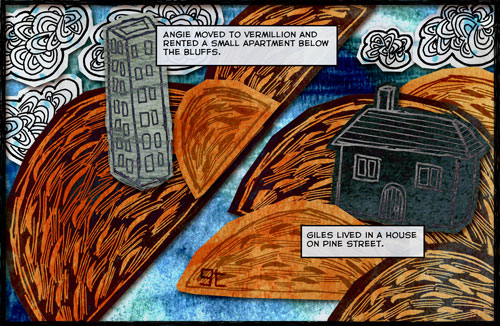
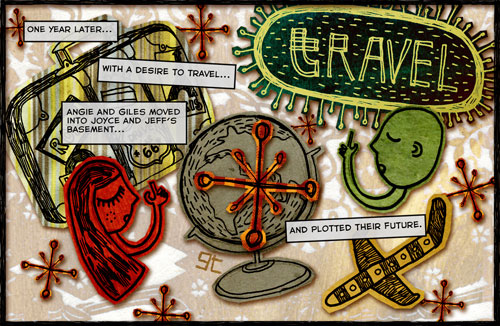
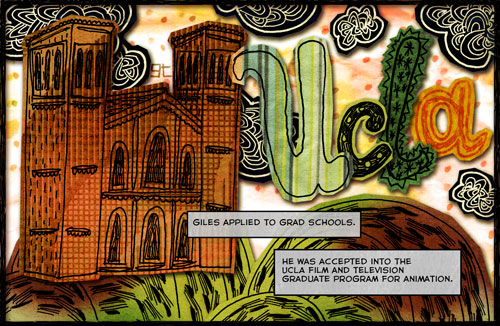
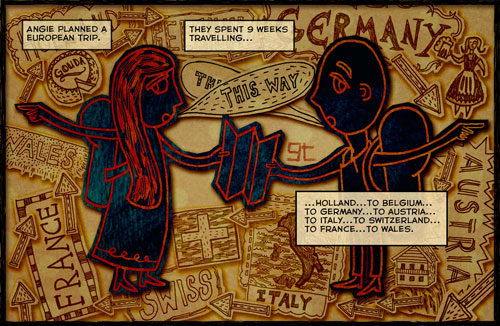
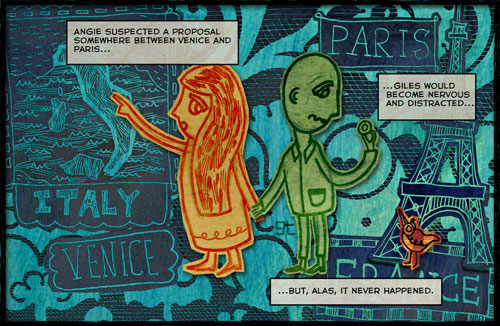
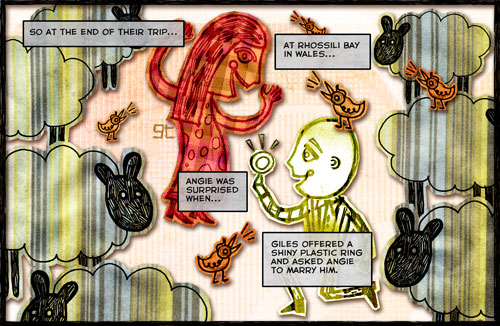
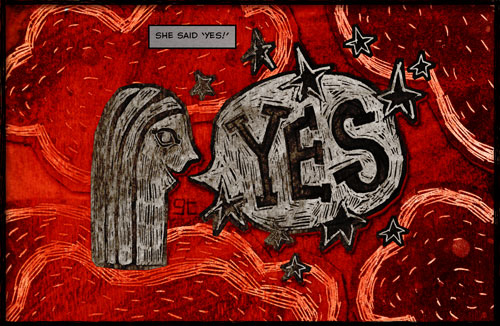
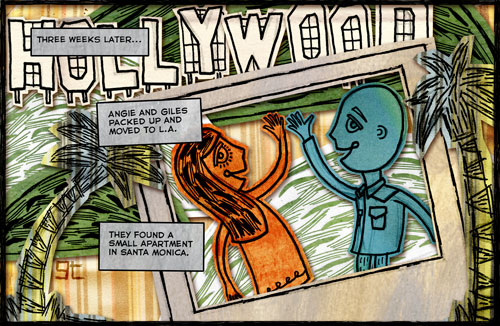
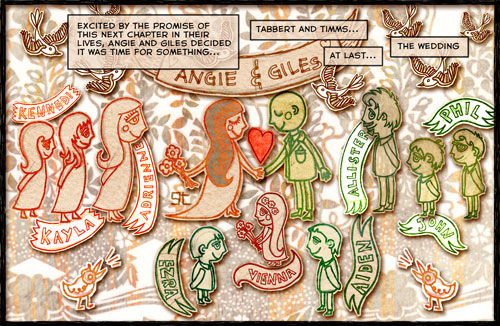
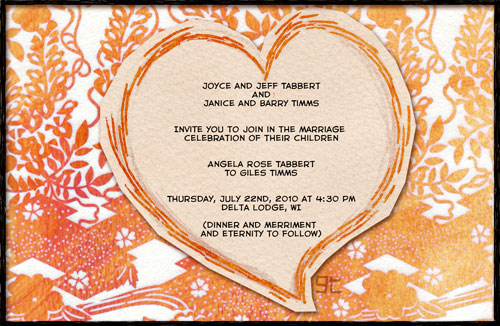
Comic Book Wedding Invitation for Angie and Giles, Giles Timms (c)2010

Angie and I are getting married on July 22nd, 2010 :)

The above is the comic book styled wedding invitation that I made and had printed through lulu. Hand drawn and colored in Photoshop. The illustrations for the mini comic book invitation were inspired by the work of one of my favorite illustrators, Nate Williams.

If you’d like an actual printed book of the invitation you can buy a copy on lulu: Wedding Invitation – Giles and Angie.

Support independent publishing: Buy this book on Lulu.

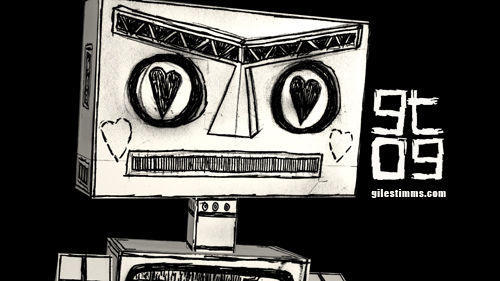
ROBOT Love

ROBOT Love, Giles Timms 2009

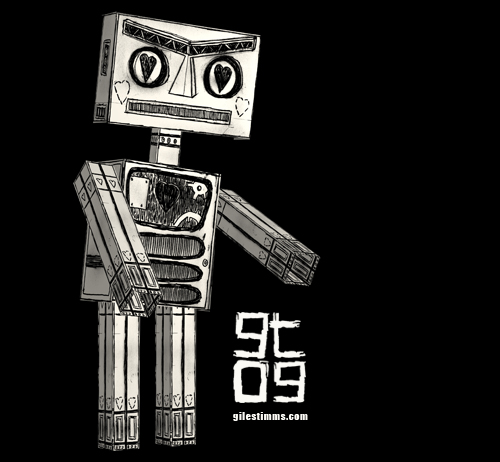
ROBOT Love – Here’s a robot design I made for a character concept as part of a music video treatment. Hand drawn, edited in photoshop, built in 3D (2.5D) and rendered in After Effects.

ROBOT Love, Giles Timms 2009

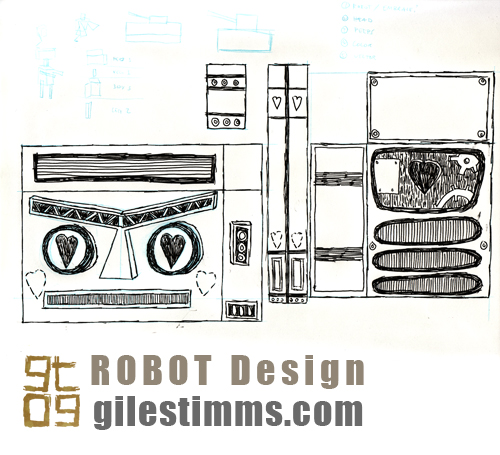
Below is the pen and ink, original drawing showing the character design of the robot bits.
Fairly simple :)

ROBOT Love design, Giles Timms 2009

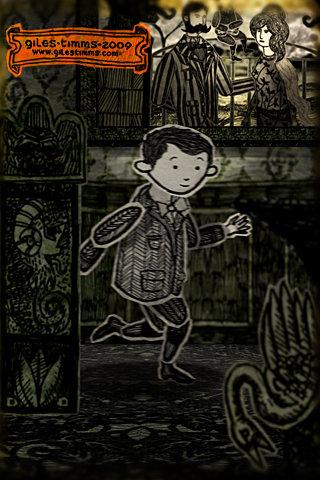
How to render an iPhone wallpaper from After Effects

iPhone/iTouch Wallpaper, Yorrick from 'Dead All Along,' © Giles Timms 2009

Above is my first iPhone/iTouch wallpaper, which was created from my animated music video ‘Dead All Along.’ I’ve added a wallpaper section to my website so that I can add more free wallpapers for download.

The following is an easy tutorial on how to render out stills from your After Effects film and create great looking wallpapers for an iPhone or iTouch, by taking advantage of the iPhone and iTouch native resolution.

    Technical Info

An iPhone and iTouch both have display sizes of 320x480px, at 2:3 aspect ratio and a resolution of 163ppi. After Effects renders out stills at 72ppi. So to ensure that the film frames look as good as possible on the small iPhone and iTouch screens we simply have to render out a larger still image from After effects at a 2:3 aspect ratio and then resize in Photoshop. The larger After Effect image needs to be 2.26388889 times (163 divided by 72) larger than the iPhone/iTouch display and use a composition size of 724 x 1086.

    Steps

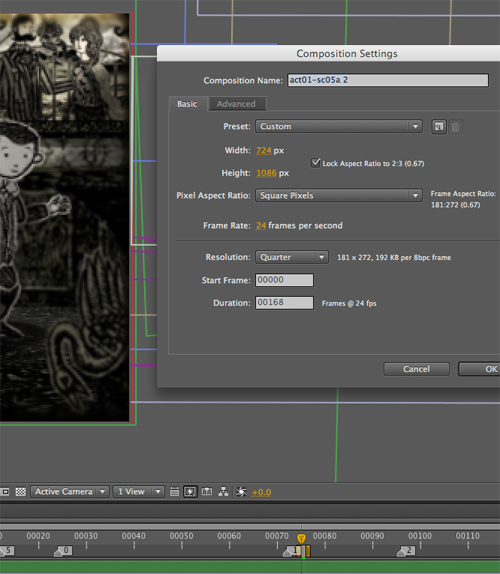
1. With your scene selected in After Effects, change the Composition Settings (composition–>settings) so that the width and height are 724 by 1086 (see screenshot below)

After Effects Composition Settings

2. Move the camera, and possibly props/characters to ensure the composition is still good
3. Render out the single frame as a PNG sequence
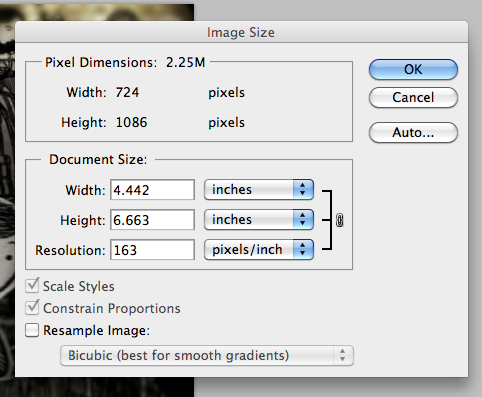
4. Open the png render in Photoshop and resize the image’s Resolution setting (Image–>Image Size) to 163 making sure to deselect the ‘Resample Image:’ check box (see screen shot below)

Photoshop Resize

5. Save the image
6. Lastly, two optional steps you can perform to increase the quality of your image are to increase the Saturation (Image–>Adjustments–>Hue/Saturation) and apply an Unsharp Mask (Filter–>Sharpen–>Unsharp Mask). The amount is dependent upon the image so you will probably have to fiddle and test the results.

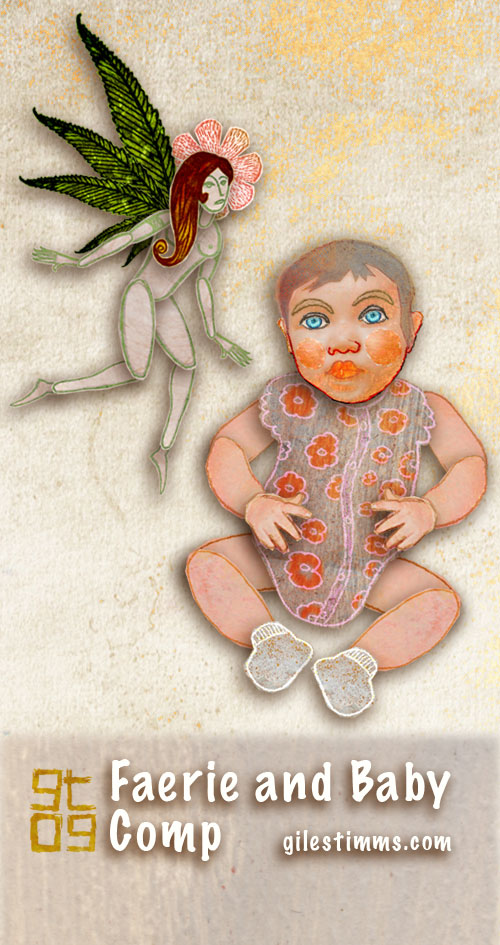
Faerie and Baby Color Comp Illustration

Faerie and Baby Color Comp Illustration, Giles Timms 2009

Faerie and baby color comp illustration for a freelance animation project. Hand drawn on paper and colored in Photoshop.

Illustration Friday: Fast

Illustration Friday: Fast, Giles Timms 2009

My entry for Illustration Friday, ‘Fast.’ Created in Photoshop and After Effects.

Fast - detail, Giles Timms 2009
Detail

Fast - detail, Giles Timms 2009
Detail

I approached the design of the illustration as though I were going to animate it. I drew the cut-out character, props and scenery on paper in pencil, and then pen and ink – archer, bow, arrow, tree etc. Once scanned into the computer I colored and textured the drawings in Photoshop and then imported all the cut-outs into After Effects where I set up 2 scenes; one of the archer in the forest, the other of the arrows. Once the scenes were complete I rendered them out and brought them back into Photoshop to create the final comic-styled illustration.

Archer Cut-out Designs, Giles Timms 2009

Archer Colored Cut-outs, Giles Timms 2009

Scene Setup in After Effects, Giles Timms 2009

Freelance Illustrations for Walter Robot

Phone Illustration, Giles Timms 2009

Some more freelance illustration work I did for Walter Robot. The illustrations include a retro styled phone, television, LCD watch and a fictional YAWNS store-front complete with cars and trolleys. This prop and environment design and illustration work was for a commercial treatment. All illustrations created in Photoshop.

Prop Illustration, Giles Timms 2009
YAWNS Store, Giles Timms 2009

Return top