Posts Tagged ‘character design’

Lucky, an HBO Documentary

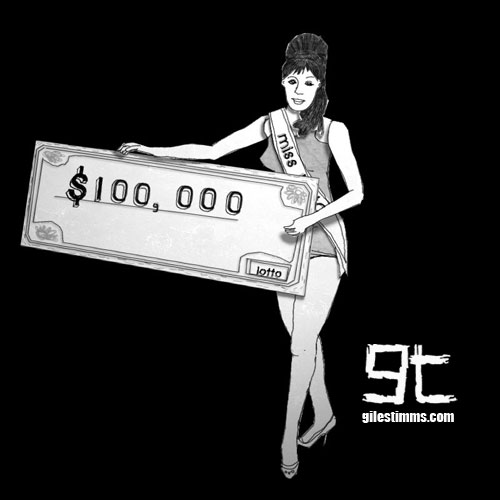
Lucky, an HBO Documentary, Giles Timms 2010

I created several of the animated sequences for ‘Lucky,’ a documentary that aired on HBO last month.
The documentary, by Jeffrey Blitz, aired on July 19th as part of HBO’s summer of documentaries. ‘Lucky’ focuses on “chronicling the many, and often sobering, effects winning a big jackpot can have on a person” (Television review: ‘Lucky’ on HBO by the Los Angeles Times).

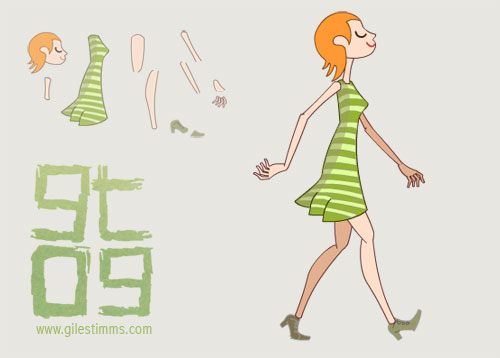
The above character design is Miss Lotto. She was one of the characters that never made it into the final cut. Miss Lotto is a very simple cut-out character composited and animated in After Effects. Miss Lotto was drawn in Photoshop with a Wacom, lightly textured in Photoshop, cut out and then all her girly bits were imported into After Effects.

Lucky premiered at Sundance 2010.

Shinedown Music Video Treatment

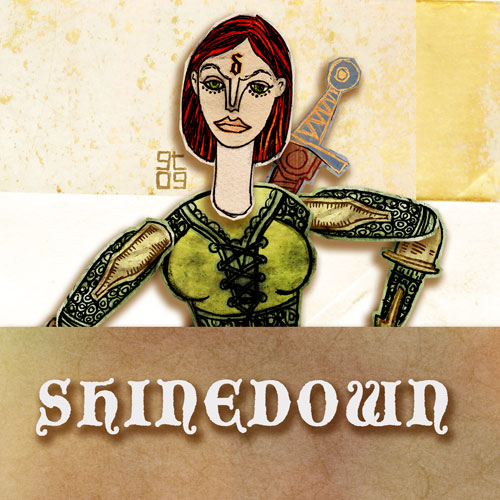
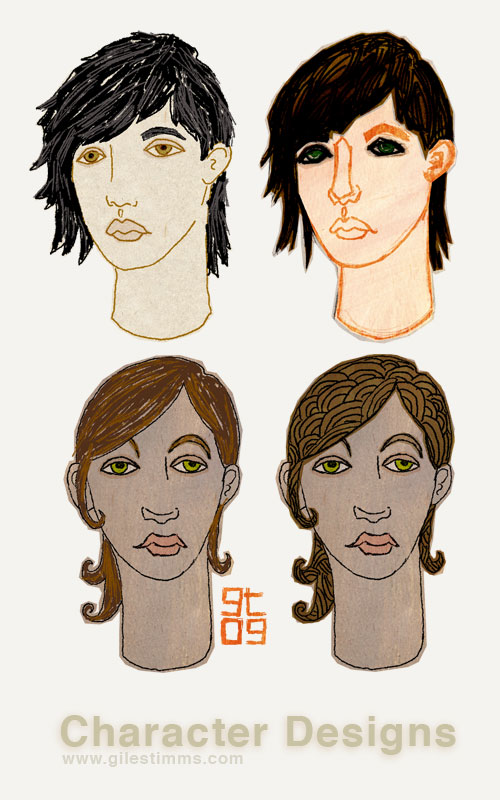
Emilia Character Title Design, Giles Timms 2010

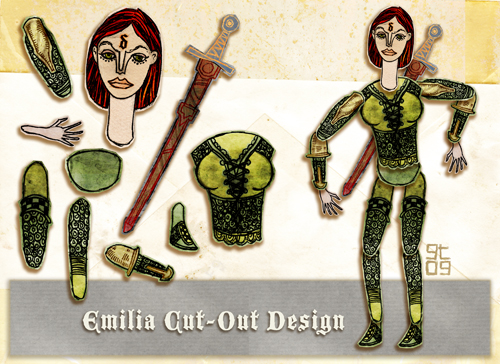
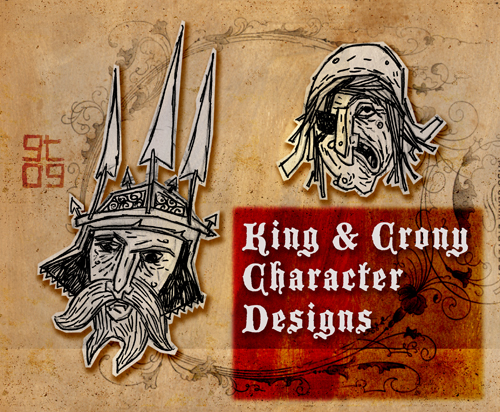
More artwork from a music video treatment I pitched for the band Shinedown from last year. I use these color comps and cut-out character designs in the treatments so that the client can get an idea of the overall look and feel for the finished piece. Again, this was through my agency, RW Media.

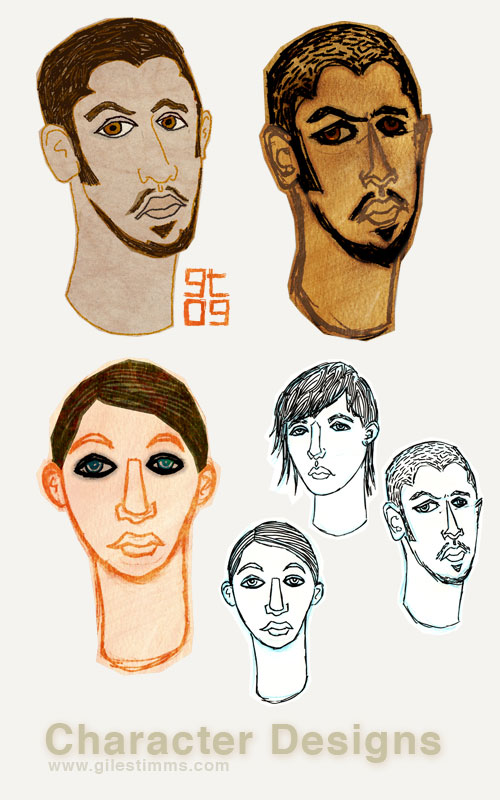
Emilia Character Design, Giles Timms 2010

King and Crony Character Design, Giles Timms 2010

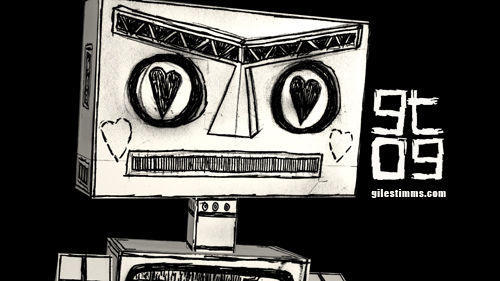
ROBOT Love

ROBOT Love, Giles Timms 2009

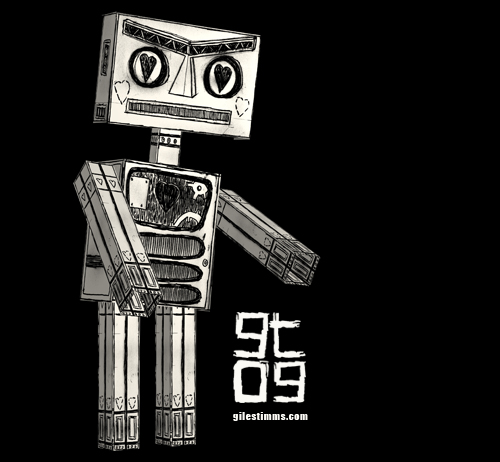
ROBOT Love – Here’s a robot design I made for a character concept as part of a music video treatment. Hand drawn, edited in photoshop, built in 3D (2.5D) and rendered in After Effects.

ROBOT Love, Giles Timms 2009

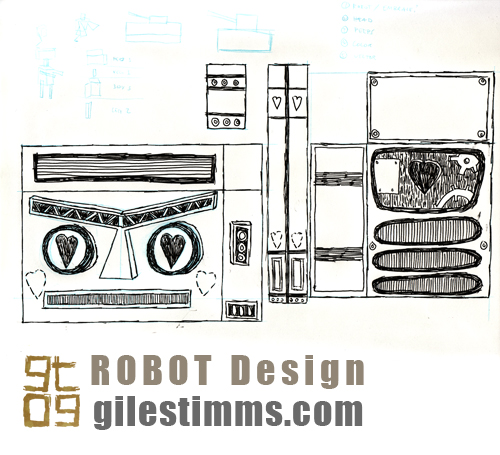
Below is the pen and ink, original drawing showing the character design of the robot bits.
Fairly simple :)

ROBOT Love design, Giles Timms 2009

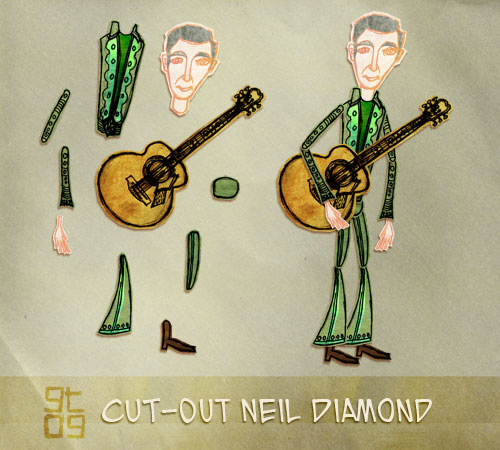
Neil Diamond Treatment

Neil Diamond Cut-Out Design, Giles Timms 2010

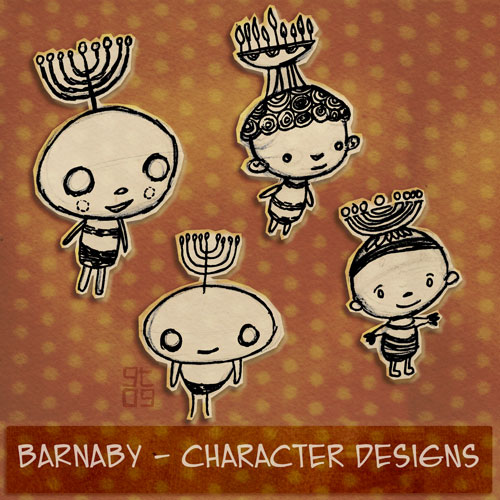
Barnaby Character Design, Giles Timms 2010

I’ve been busy with freelance commercial work and have neglected my blog. Plus I had to upgrade WordPress and migrate to a new host, which I just completed this week. With the migration and upgrade complete I’ll be back to posting regularly. Anyway, above is a color comp, cut-out design and character design I put together for a music video treatment I submitted last year for Neil Diamond through RW Media. I didn’t get the gig :(

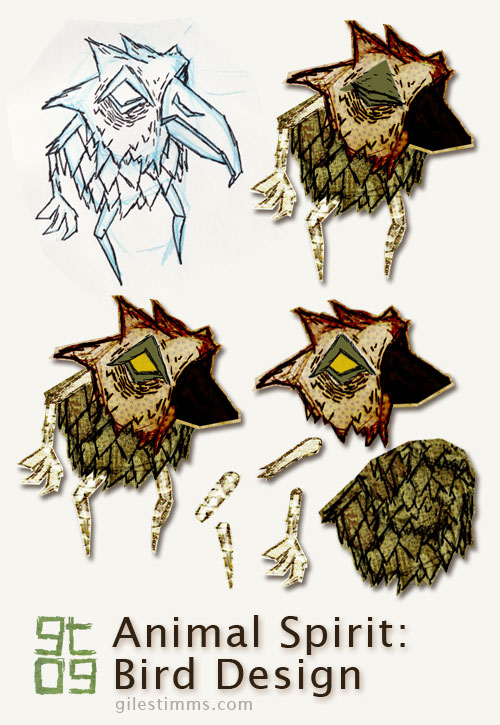
Bird Design Cut-Out for Dead All Along

Bird Design Cutout - Dead All Along, Giles Timms 2009

I thought I’d explain the design process for my characters from my animated music video, ‘Dead All Along.’

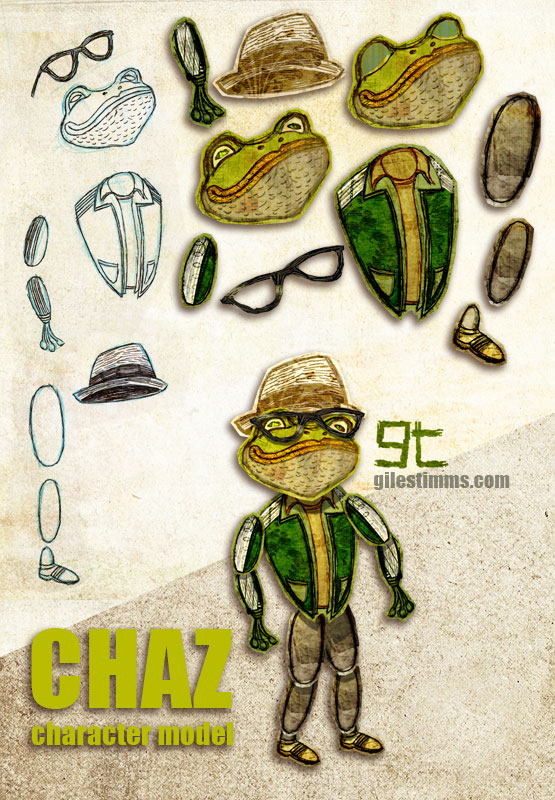
In the image above you can see the original character design drawing, top left. All the characters for ‘Dead All Along’ started on paper, first as blue pencil drawings, then as pen and ink. I scanned the drawing into photoshop and tweaked the levels so that I the texture of the paper is visible – I really wanted to make the ‘Dead All Along’ world seem as if it was a paper world, almost as though an Edward Gorey inspired book had come to life.

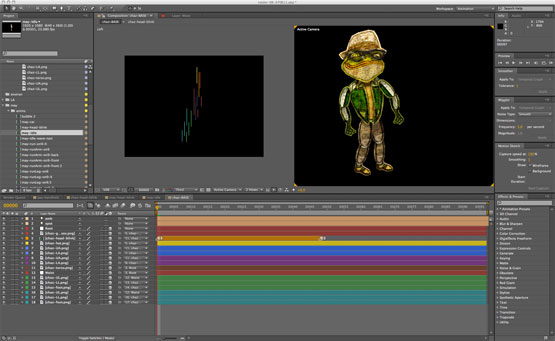
Once in Photoshop, I ‘cut out’ each part of the character so that it can be animated in a cut-out animation style within After Effects. This character didn’t have to animate too much so it only has 9 separate bits, including 2 heads for the blink (eye open, eye closed). You can see the separate body bits in the bottom right of the above image. I cut and separate the body bits using the polygonal lasso tool in Photoshop creating a loose outline of the body part.

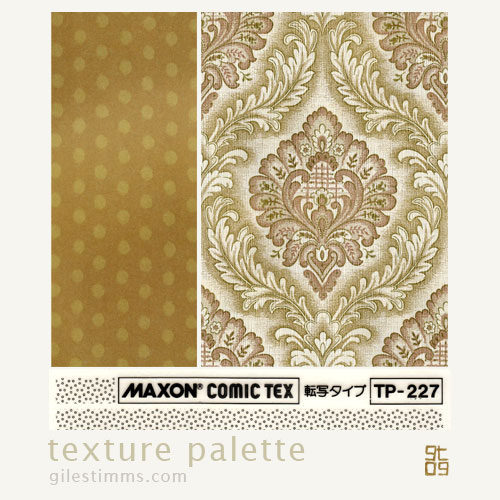
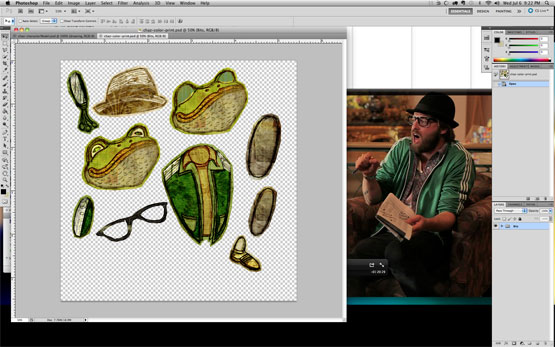
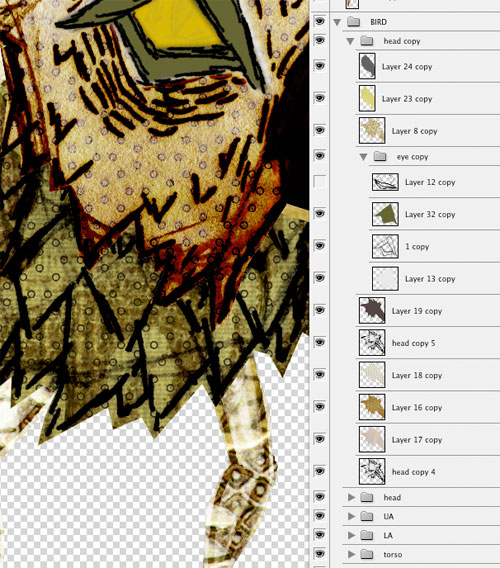
For coloring, I like to color in Photoshop. I use Photoshop because I can easily combine textures with the original character drawing and also because I like to be able to experiment with color ideas. I typically use textures in my coloring process and the characters for ‘Dead All Along’ were also colored with a lot of textures. I keep a texture library of textures on my computer that are scans and photographs of textures, patterns etc. One of my favorite set of textures is a book of origami paper that I scanned in – I used several of these origami papers to color and texture the characters in ‘Dead All Along.’ I’m also fond of the Maxon collection of comic patterns, and I have several of these scanned that I use. Below you can see a screen-shot of my texture library (top), a screen-shot of the textures and layers of the coloring process in Photoshop (middle), and a sample of the texture palette I used for the bird (and yes, that is a wallpaper pattern from the 1970’s :)
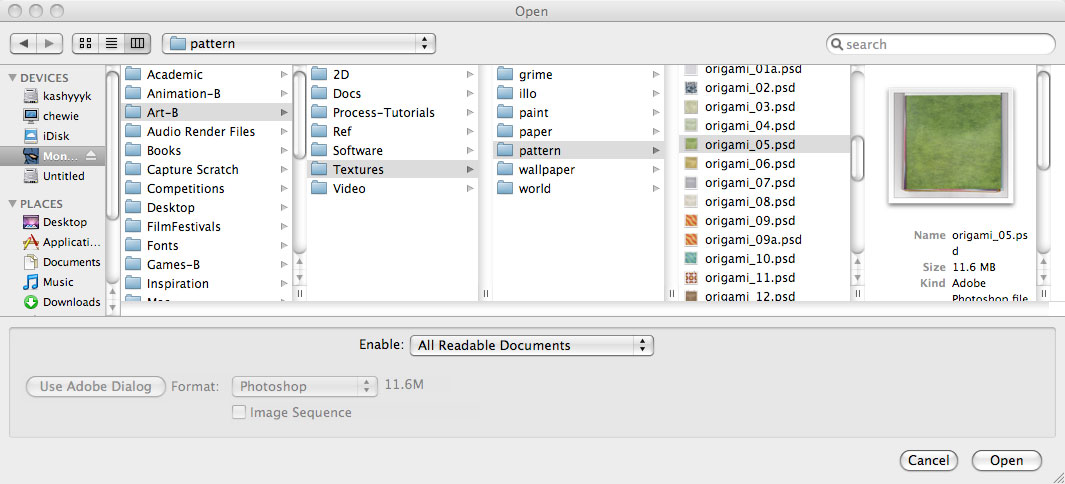
screen-shot of my texture library

Photoshop screen-shot of texture and color layers

Texture Palette, Giles Timms 2009

Freelance Character Design

Freelance Character Design, Giles Timms 2009

Some character designs and color comps for a freelance gig I did for the client Walter Robot Studios. Hand drawn in pencil and pen and ink, colored in Photoshop.

Vector Girl Cut-Out

Vector Girl, Giles Timms 2009

Another vector cut-out created in Flash. This is a Tadahiro Uesugi inspired girl that I created for my Manifestation music video. She has 11 separate girly bits so that she can be animated in a cut-out style.

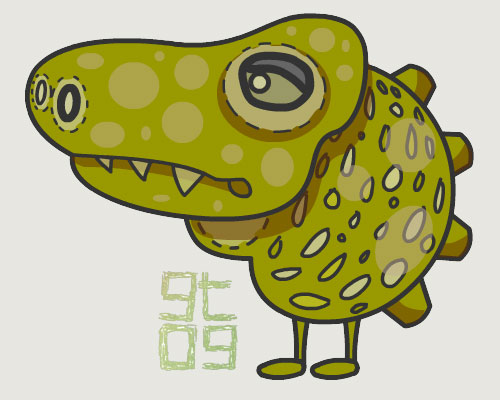
Croc Character Design

Croc Character Design, Giles Timms 2009

Croc character design. Vector graphic created in Flash.

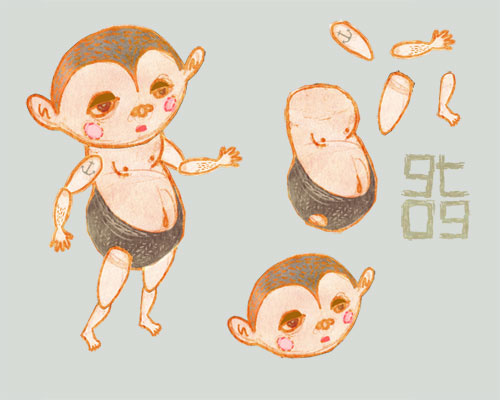
Baby Cut-Out

Baby cut-out, Giles Timms 2009
Baby graphic for cut-out animation. This is for my animated music video, Manifestations, with music by Welsh composer Ceri Frost.

Hand drawn and Photoshop.

Soldier Cut-Out

Model Sheet of Soldier, Giles Timms 2009
Soldier Cut-Out, Giles Timms 2009
A cut-out soldier for my animated music video, Manifestations. The soldier is jointed so that he can be animated in After Effects in a cut-out style. His helmet, gun and items on his back are all separate objects for secondary animation.

Hand drawn and Photoshop.

Return top