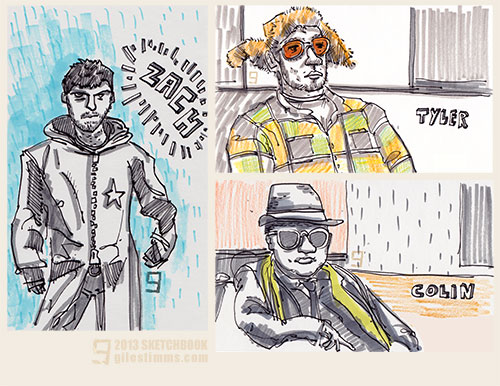
‘The Dudes,’ sketchbook life drawing. Pen and ink, colored pencil, felt-tip and Photoshop.
www.gilestimms.com
‘The Dudes,’ sketchbook life drawing. Pen and ink, colored pencil, felt-tip and Photoshop.
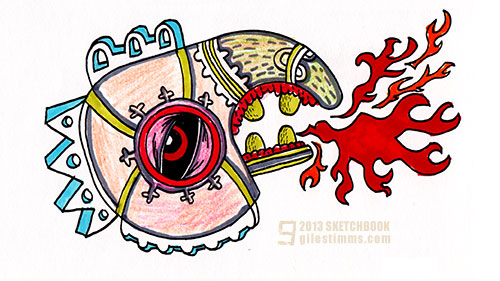
Phoenix
Sketchbook Drawing, 2013
Pen, colored pencil and marker on paper, 7″x5″
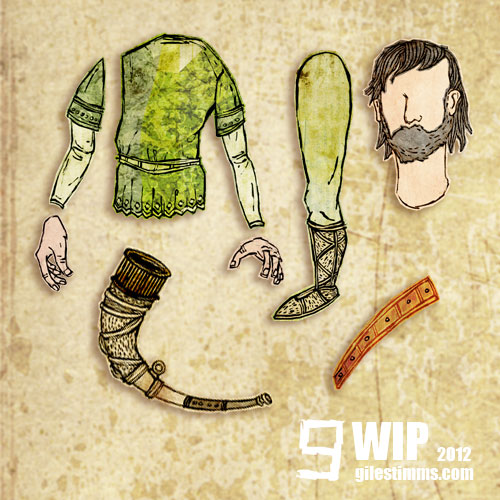
WIP color comp cut-out character for a freelance animation project. Hand-drawn and edited, textured and colored in Photoshop. The character will be assembled and rigged in After Effects for cut-out style animation.
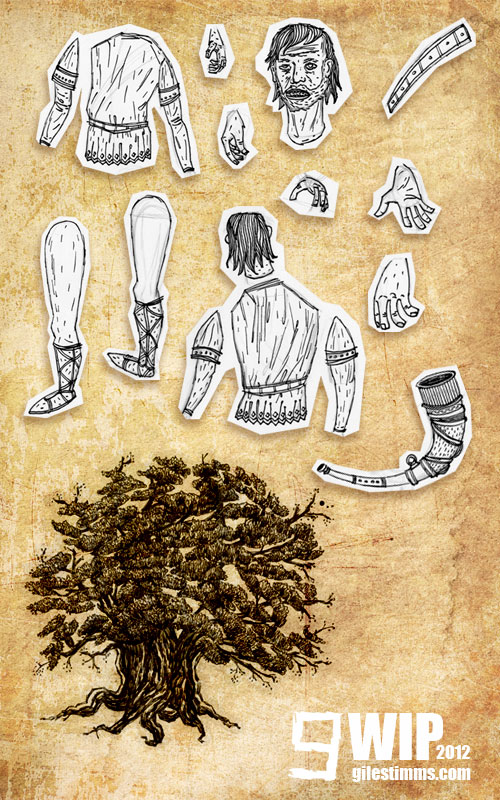
WIP drawings for a freelance animation project. The drawings will be edited, textured and colored in Photoshop and then assembled and rigged in After Effects for cut-out style animation.
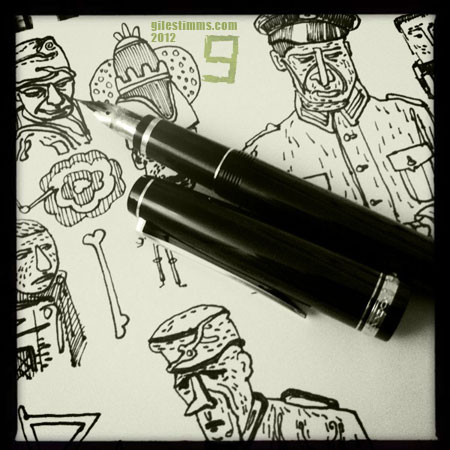
World War II soldiers drawn in my sketchbook with my new Namiki Falcon drawing pen (fine nib).
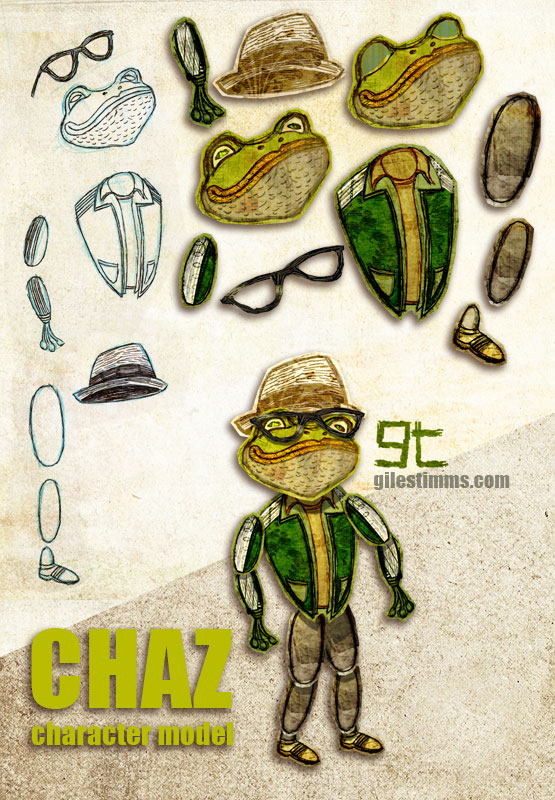
Above is a cutout animation character called ‘Chaz’ for the opening tile sequence that I am animating for the independent film, ‘Cooler’. I am also animating several animated sequences within the film.
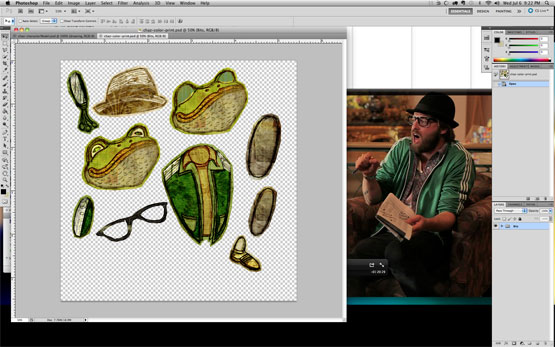
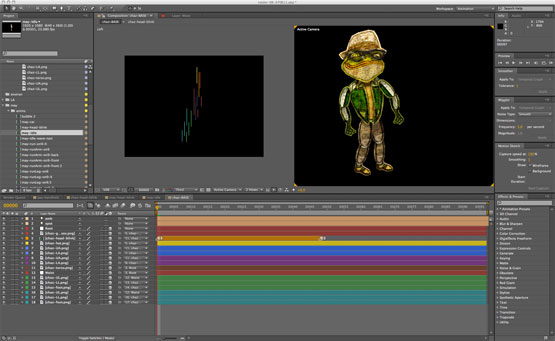
This model sheet shows my cutout character design process and includes my initial character design hand drawn on paper with pencil, pen and ink, the cutout body bits colored and textured in Photoshop and the final character rig assembled in After Effects. I’ve also included screen shots of the cutout character in Photoshop (with the live action character reference) and the rigged character in After Effects.
‘Cooler’ is directed by Silas Howard and Ernesto Foronda.
‘Cooler’ on IMDB
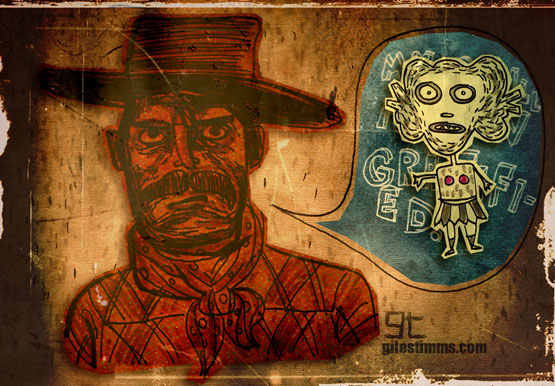
Sketchbook drawings (pen and ink) colored, textured and composited in Photoshop.
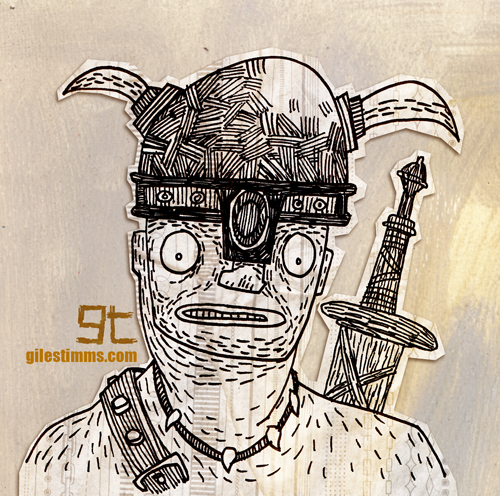 Barbarian from my sketchbook. Hand drawn in pen and ink and colored in Photoshop.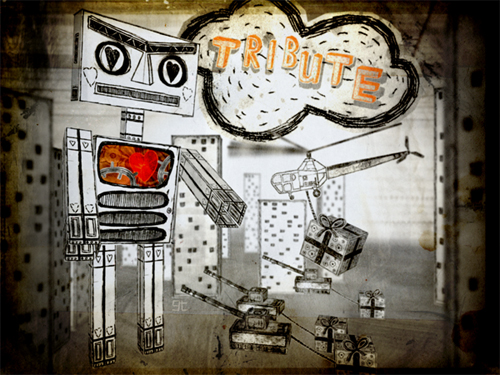
This is the illustration, entitled ‘Tribute,’ that I created for the cover of MungBeing Magazine. The illustration was for Issue #31 for the theme of tribute. Hand drawn, colored in Photoshop and composited in After Effects.
If you’d like a free iPhone/iPod Touch sized wallpaper, you can download a wallpaper of this illustration here: http://www.gilestimms.com/wallpapers.html
Thanks to Mark Givens, editor of MungBeing :)
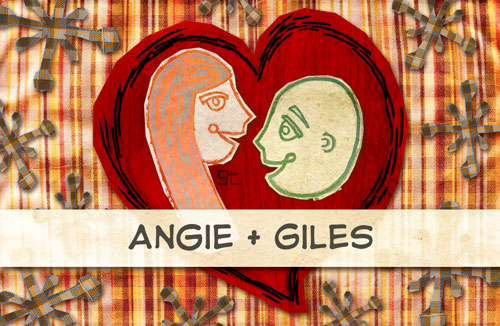
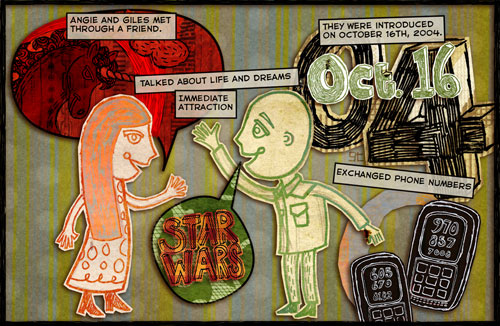
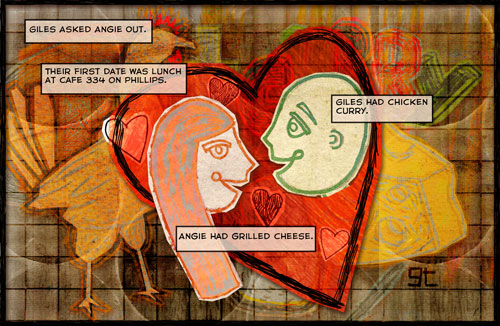
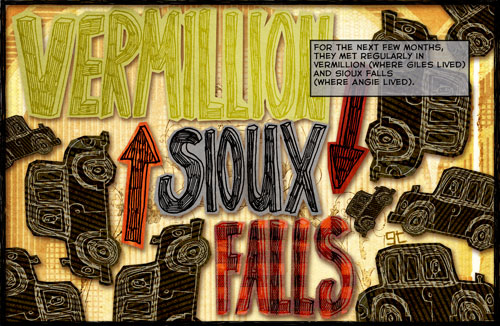
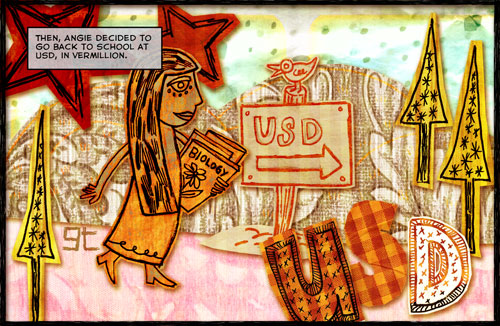
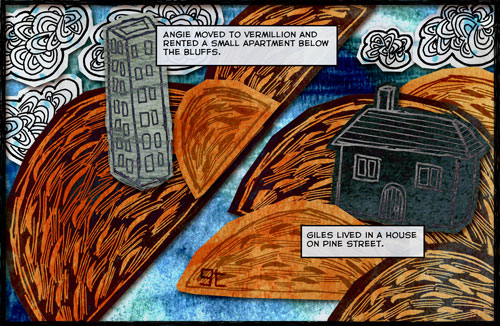
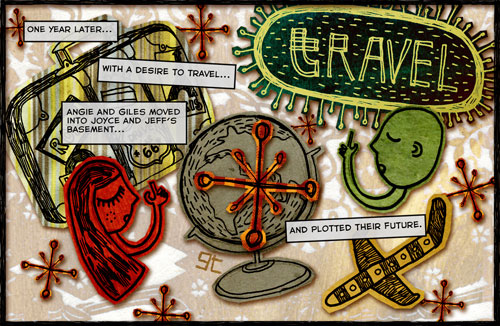
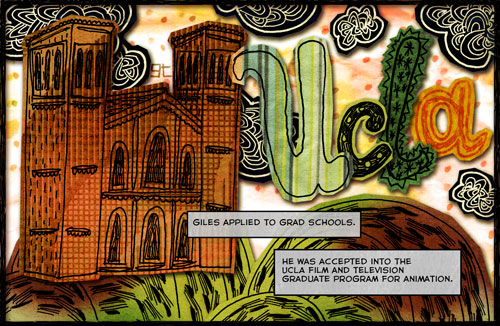
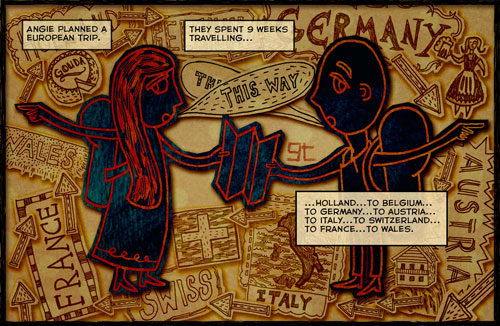
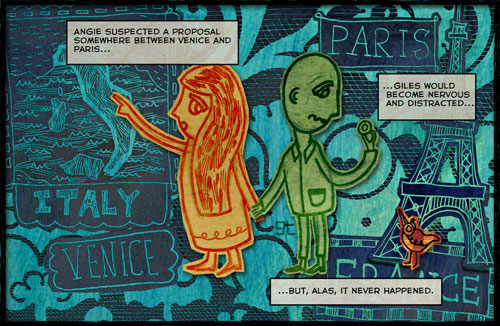
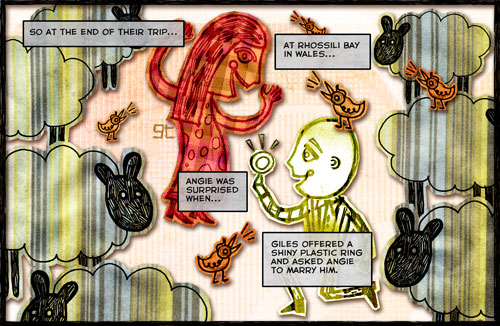
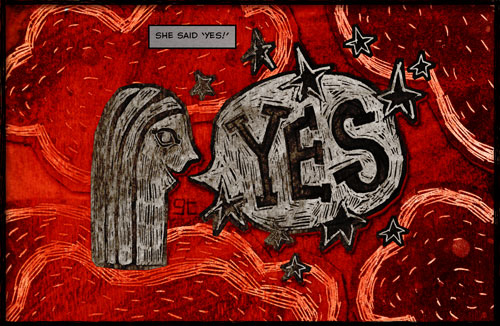
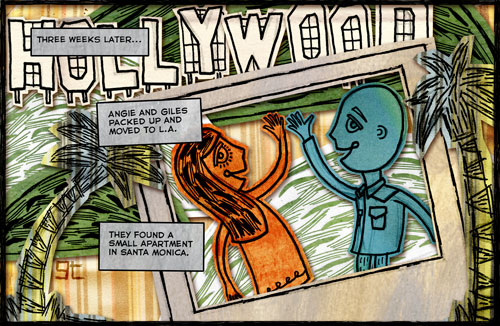
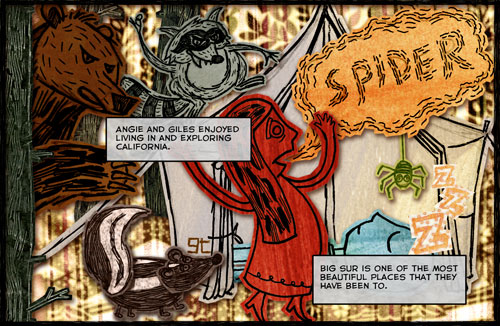
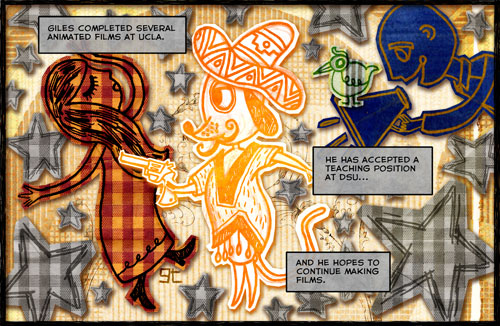
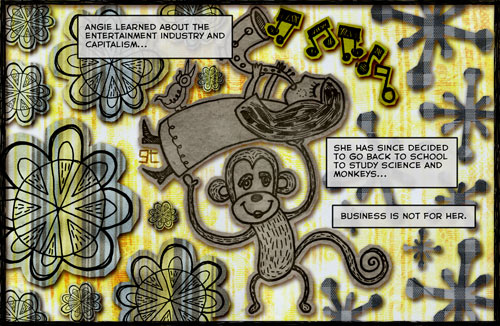
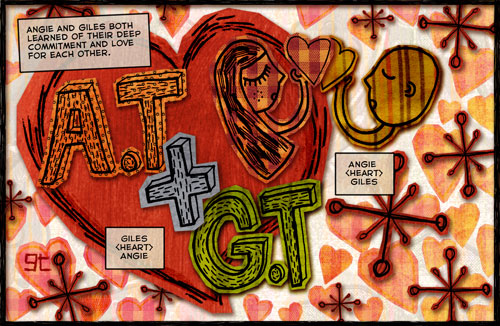
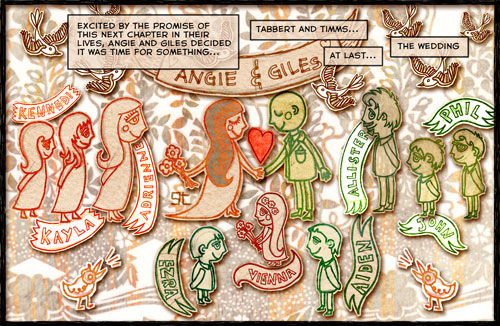
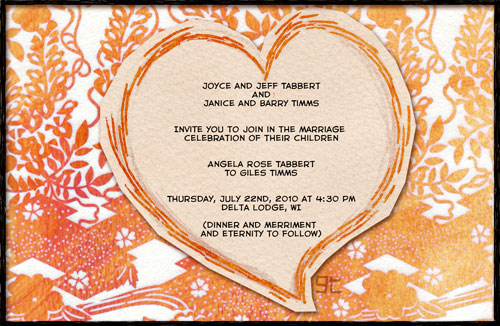
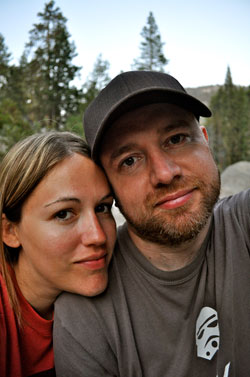
Angie and I are getting married on July 22nd, 2010 :)
The above is the comic book styled wedding invitation that I made and had printed through lulu. Hand drawn and colored in Photoshop. The illustrations for the mini comic book invitation were inspired by the work of one of my favorite illustrators, Nate Williams.
If you’d like an actual printed book of the invitation you can buy a copy on lulu: Wedding Invitation – Giles and Angie.
