Posts Tagged ‘pencil’

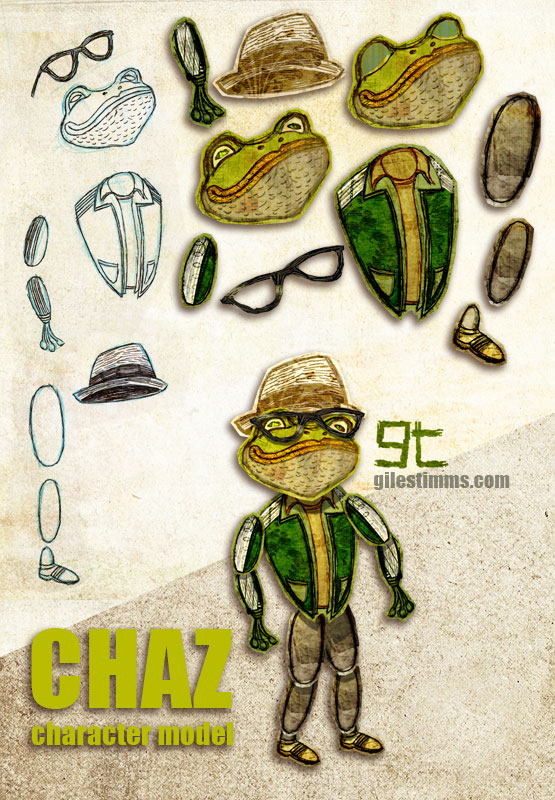
Cooler Opening Title Design, Cutout Animation Character Chaz

Cooler Opening Title Design, Cutout Animation Character Chaz, Giles Timms 2011
Above is a cutout animation character called ‘Chaz’ for the opening tile sequence that I am animating for the independent film, ‘Cooler’. I am also animating several animated sequences within the film.

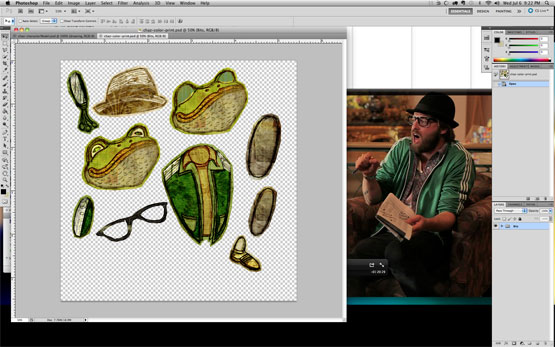
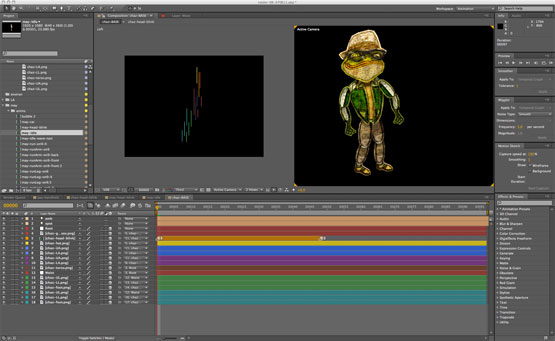
This model sheet shows my cutout character design process and includes my initial character design hand drawn on paper with pencil, pen and ink, the cutout body bits colored and textured in Photoshop and the final character rig assembled in After Effects. I’ve also included screen shots of the cutout character in Photoshop (with the live action character reference) and the rigged character in After Effects.

Cooler Opening Title Design, Cutout Animation Character Chaz in Photoshop, Giles Timms 2011

Cooler Opening Title Design, Cutout Animation Character Chaz in After Effects, Giles Timms 2011

‘Cooler’ is directed by Silas Howard and Ernesto Foronda.
‘Cooler’ on IMDB

Sketches and Photos of Lodgepole, Sequoia National Park

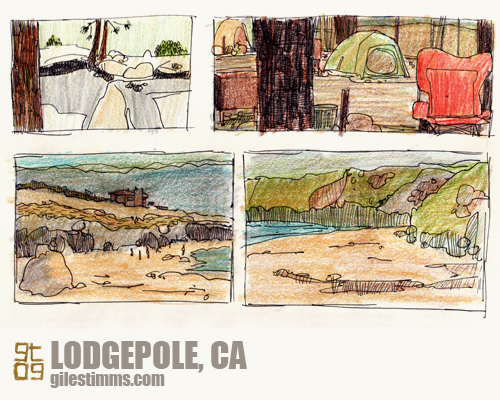
Sketches of Lodgepole, Sequoia National Park, Giles Timms 2009
Another set of sketches from our road trip and camping trip to northern California. For part of our trip we camped at Lodgepole, Sequoia National Park. Above are some sketches of Lodgepole, Sequoia National Park. Colored pencil and pen and ink on paper.


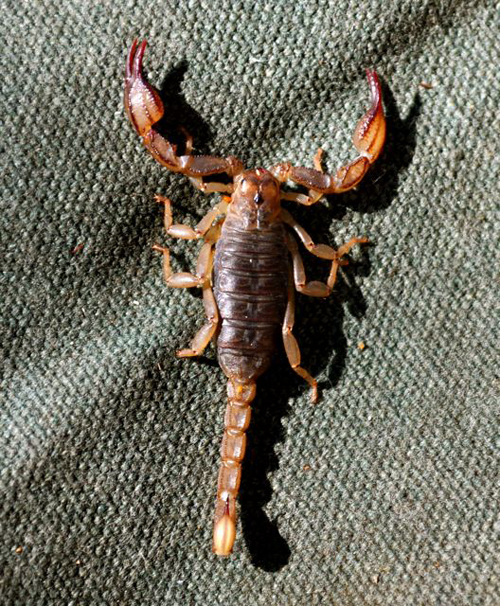
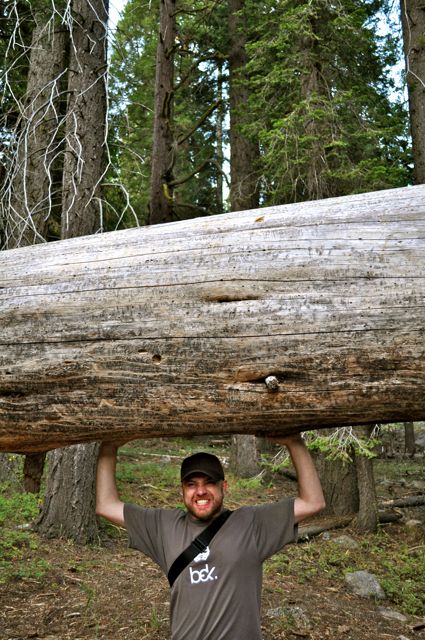
It was an amazing place. We saw lots of wildlife including a black bear cub and a scorpion (the scorpion was living under our tent – see photo below :)
Scorpion at Lodgepole, Sequoia National Park, Giles Timms 2009

RAWWRR, Sequoia National Park, Giles Timms 2009
RAWWRR…

Illustration Friday: Fast

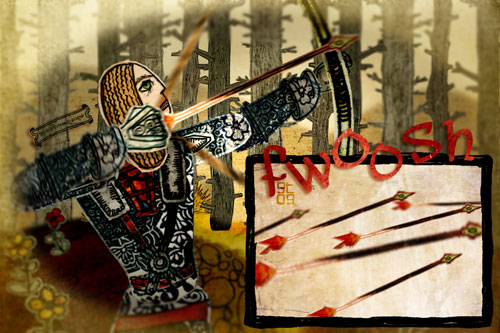
Illustration Friday: Fast, Giles Timms 2009

My entry for Illustration Friday, ‘Fast.’ Created in Photoshop and After Effects.

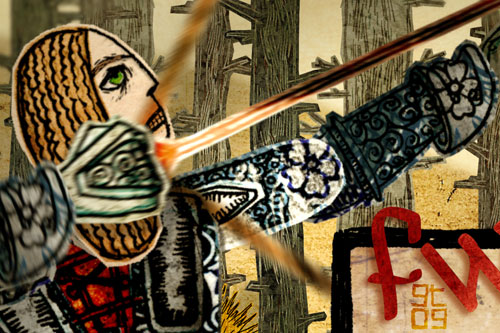
Fast - detail, Giles Timms 2009
Detail

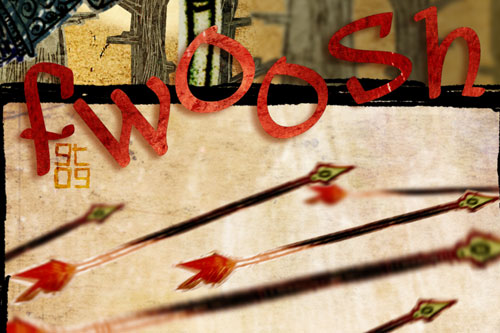
Fast - detail, Giles Timms 2009
Detail

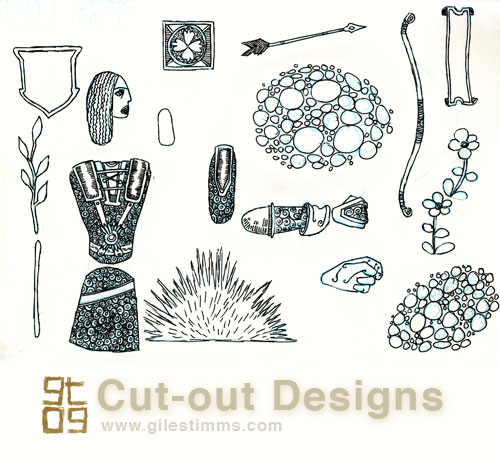
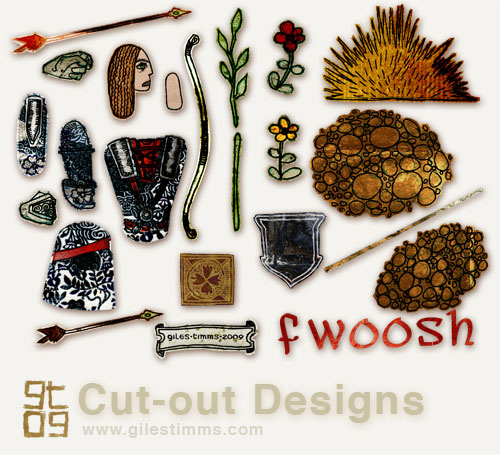
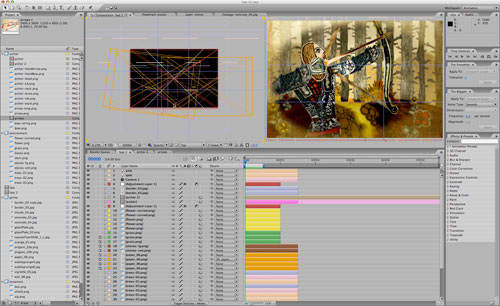
I approached the design of the illustration as though I were going to animate it. I drew the cut-out character, props and scenery on paper in pencil, and then pen and ink – archer, bow, arrow, tree etc. Once scanned into the computer I colored and textured the drawings in Photoshop and then imported all the cut-outs into After Effects where I set up 2 scenes; one of the archer in the forest, the other of the arrows. Once the scenes were complete I rendered them out and brought them back into Photoshop to create the final comic-styled illustration.

Archer Cut-out Designs, Giles Timms 2009

Archer Colored Cut-outs, Giles Timms 2009

Scene Setup in After Effects, Giles Timms 2009

Bird Design Cut-Out for Dead All Along

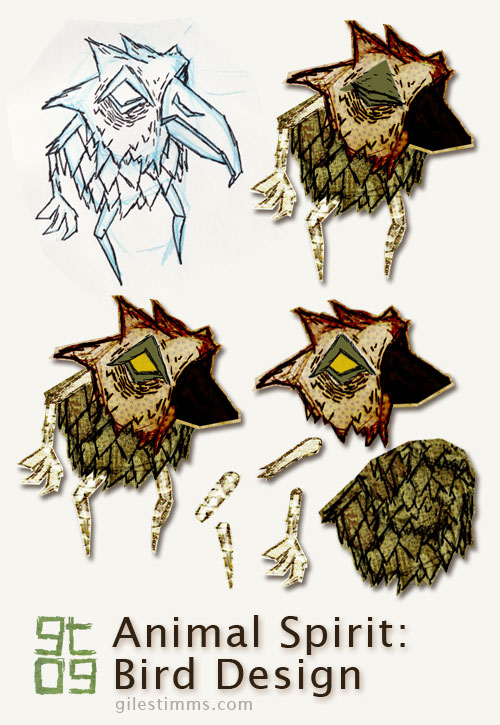
Bird Design Cutout - Dead All Along, Giles Timms 2009

I thought I’d explain the design process for my characters from my animated music video, ‘Dead All Along.’

In the image above you can see the original character design drawing, top left. All the characters for ‘Dead All Along’ started on paper, first as blue pencil drawings, then as pen and ink. I scanned the drawing into photoshop and tweaked the levels so that I the texture of the paper is visible – I really wanted to make the ‘Dead All Along’ world seem as if it was a paper world, almost as though an Edward Gorey inspired book had come to life.

Once in Photoshop, I ‘cut out’ each part of the character so that it can be animated in a cut-out animation style within After Effects. This character didn’t have to animate too much so it only has 9 separate bits, including 2 heads for the blink (eye open, eye closed). You can see the separate body bits in the bottom right of the above image. I cut and separate the body bits using the polygonal lasso tool in Photoshop creating a loose outline of the body part.

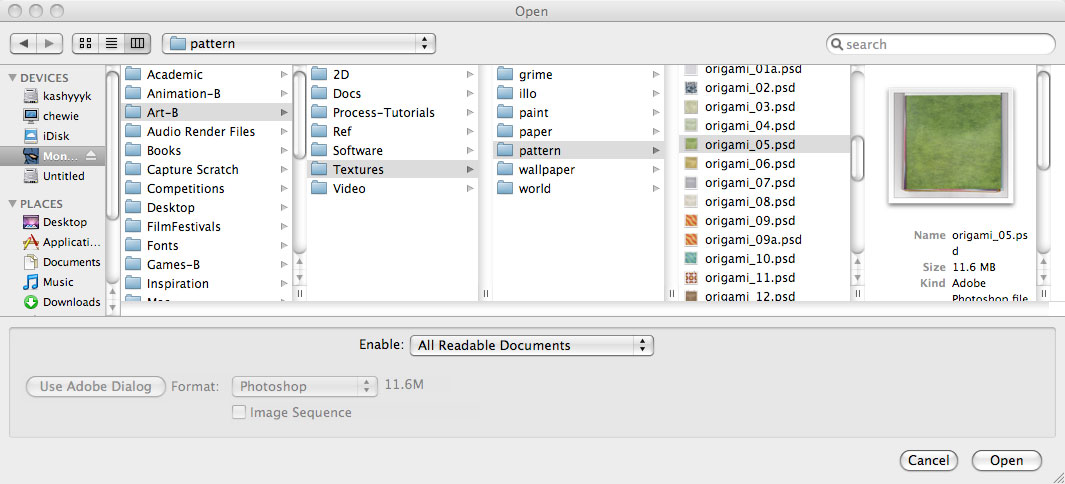
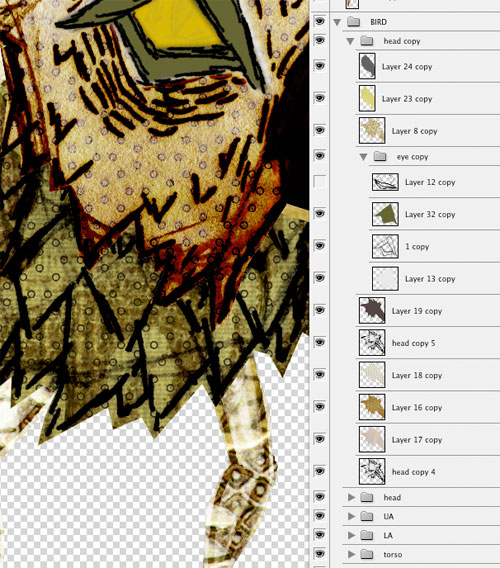
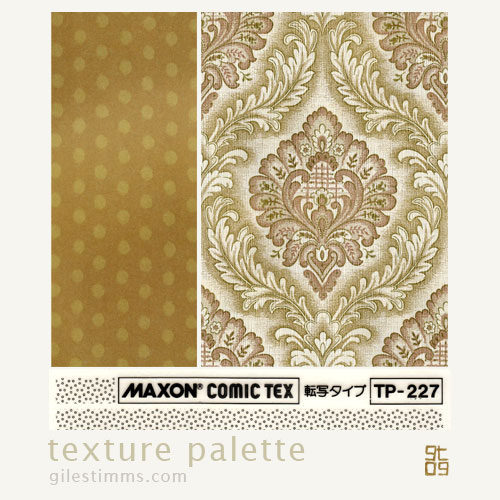
For coloring, I like to color in Photoshop. I use Photoshop because I can easily combine textures with the original character drawing and also because I like to be able to experiment with color ideas. I typically use textures in my coloring process and the characters for ‘Dead All Along’ were also colored with a lot of textures. I keep a texture library of textures on my computer that are scans and photographs of textures, patterns etc. One of my favorite set of textures is a book of origami paper that I scanned in – I used several of these origami papers to color and texture the characters in ‘Dead All Along.’ I’m also fond of the Maxon collection of comic patterns, and I have several of these scanned that I use. Below you can see a screen-shot of my texture library (top), a screen-shot of the textures and layers of the coloring process in Photoshop (middle), and a sample of the texture palette I used for the bird (and yes, that is a wallpaper pattern from the 1970′s :)

screen-shot of my texture library

Photoshop screen-shot of texture and color layers

Texture Palette, Giles Timms 2009

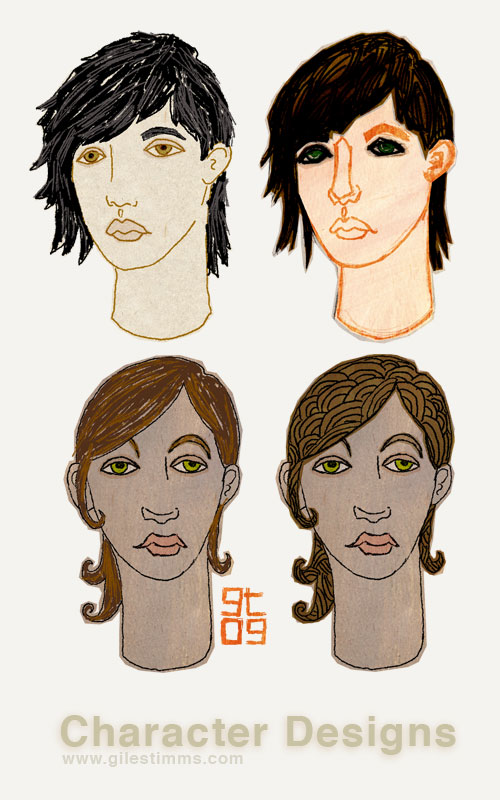
Freelance Character Design

Freelance Character Design, Giles Timms 2009

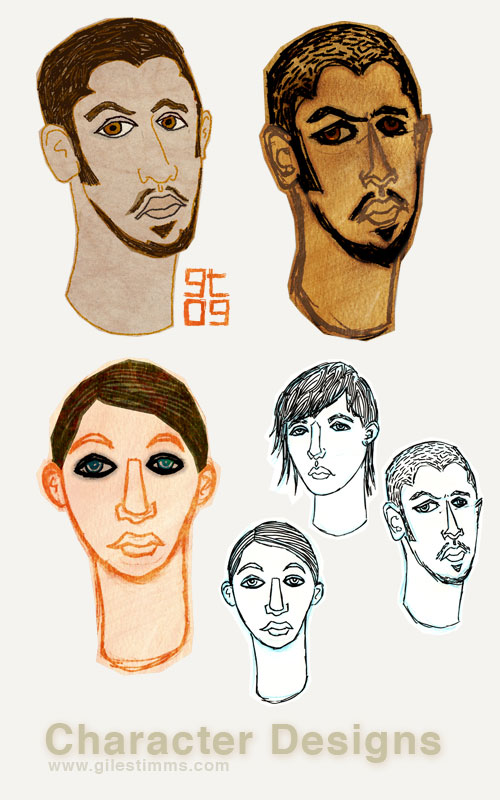
Some character designs and color comps for a freelance gig I did for the client Walter Robot Studios. Hand drawn in pencil and pen and ink, colored in Photoshop.

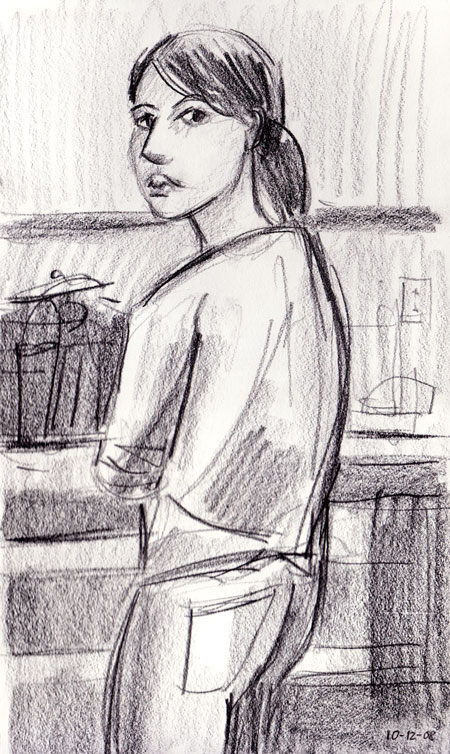
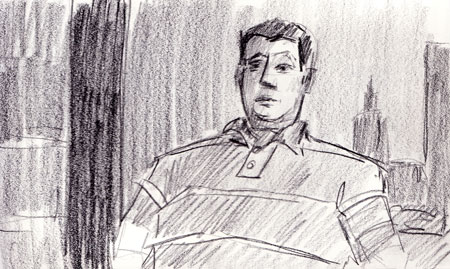
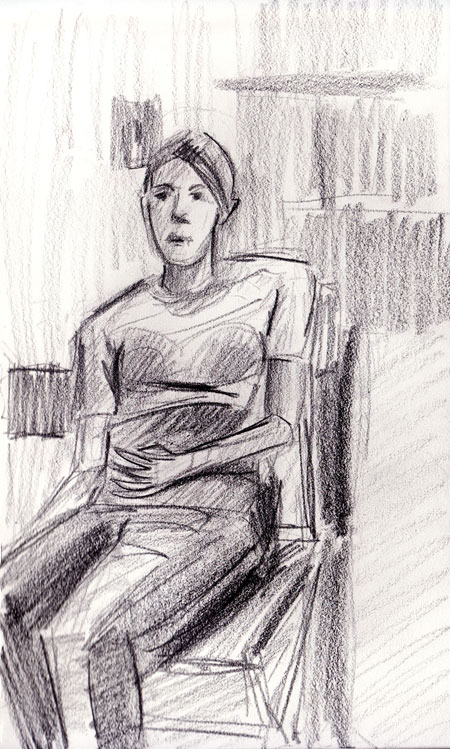
Drawings from the weekend: Angie and Bob

Angie
Bob
Angie sitting

Sketchbook drawings from this weekend. Pencil on paper.

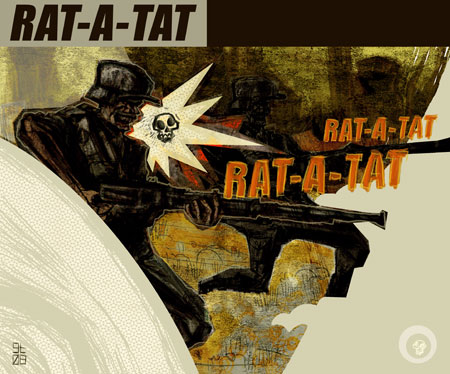
Rat-A-Tat

Rat-A-Tat

More soldiers, ‘Rat-a-Tat.’ Original pencil, pen and ink drawing, colored and edited in Photoshop. Mixed media and digital, summer 2008

Drawings from Maine, One

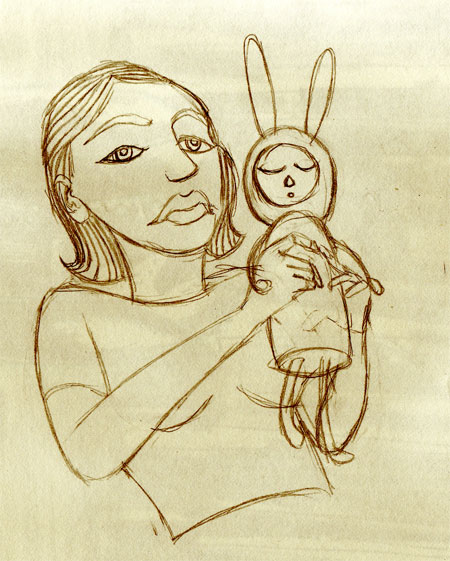
Girl with bunny

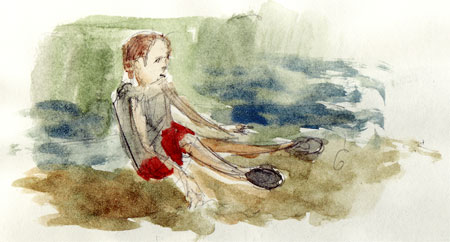
john at the beach

It’s been a while…some drawings from our trip to Maine, summer 2008.

Life Drawing, Mary

Life Drawing, Mary

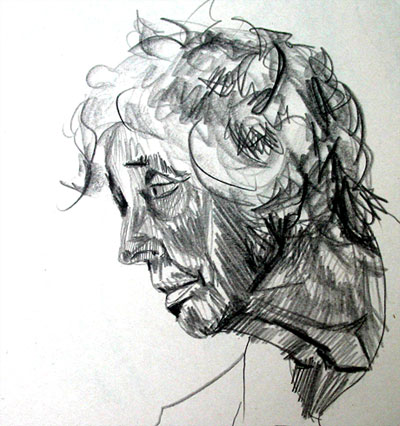
Life drawing of my great aunt, Mary. Pencil on paper.

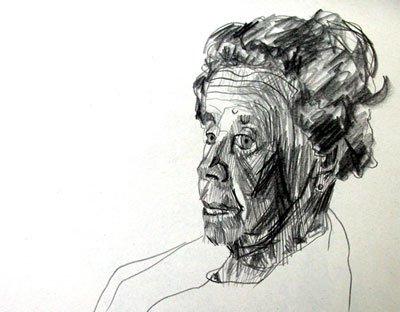
Life Drawing, Anne

Life Drawing, Anne

My grandmother, Anne. Pencil on paper life drawing.

Return top