Posts Tagged ‘stills’

How to render an iPhone wallpaper from After Effects

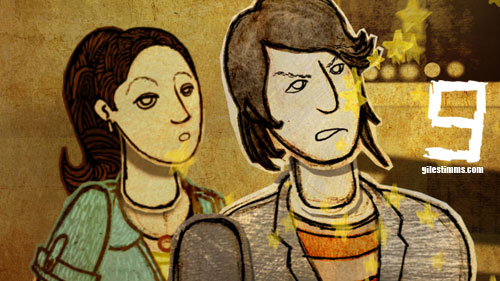
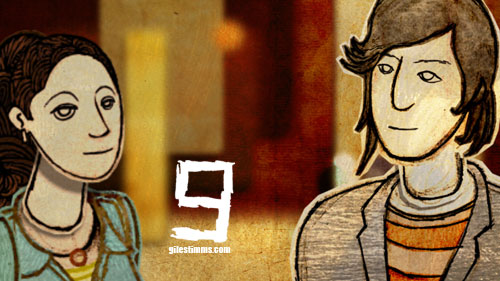
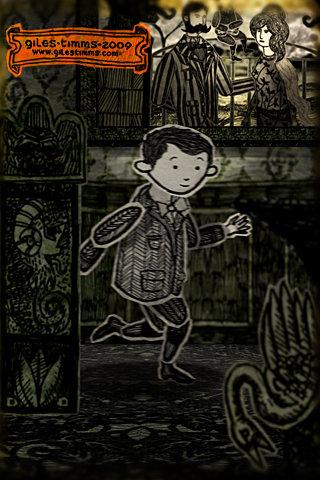
iPhone/iTouch Wallpaper, Yorrick from 'Dead All Along,' © Giles Timms 2009

Above is my first iPhone/iTouch wallpaper, which was created from my animated music video ‘Dead All Along.’ I’ve added a wallpaper section to my website so that I can add more free wallpapers for download.

The following is an easy tutorial on how to render out stills from your After Effects film and create great looking wallpapers for an iPhone or iTouch, by taking advantage of the iPhone and iTouch native resolution.

    Technical Info

An iPhone and iTouch both have display sizes of 320×480px, at 2:3 aspect ratio and a resolution of 163ppi. After Effects renders out stills at 72ppi. So to ensure that the film frames look as good as possible on the small iPhone and iTouch screens we simply have to render out a larger still image from After effects at a 2:3 aspect ratio and then resize in Photoshop. The larger After Effect image needs to be 2.26388889 times (163 divided by 72) larger than the iPhone/iTouch display and use a composition size of 724 x 1086.

    Steps

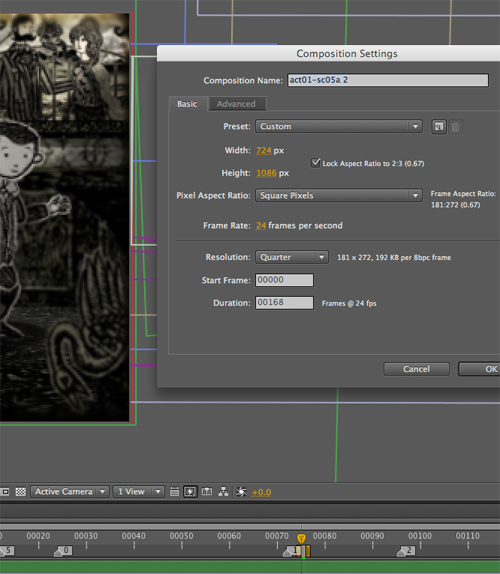
1. With your scene selected in After Effects, change the Composition Settings (composition–>settings) so that the width and height are 724 by 1086 (see screenshot below)

After Effects Composition Settings

2. Move the camera, and possibly props/characters to ensure the composition is still good
3. Render out the single frame as a PNG sequence
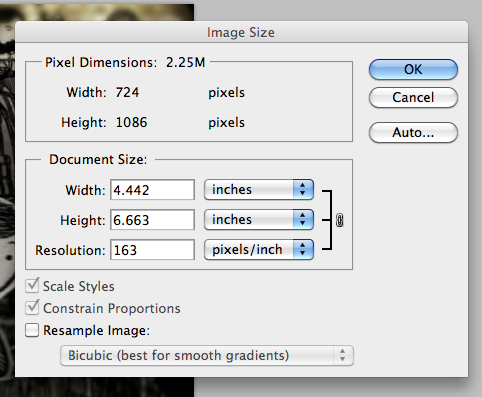
4. Open the png render in Photoshop and resize the image’s Resolution setting (Image–>Image Size) to 163 making sure to deselect the ‘Resample Image:’ check box (see screen shot below)

Photoshop Resize

5. Save the image
6. Lastly, two optional steps you can perform to increase the quality of your image are to increase the Saturation (Image–>Adjustments–>Hue/Saturation) and apply an Unsharp Mask (Filter–>Sharpen–>Unsharp Mask). The amount is dependent upon the image so you will probably have to fiddle and test the results.

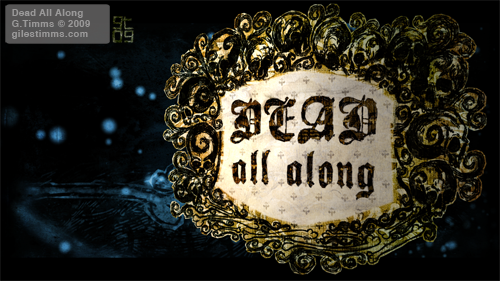
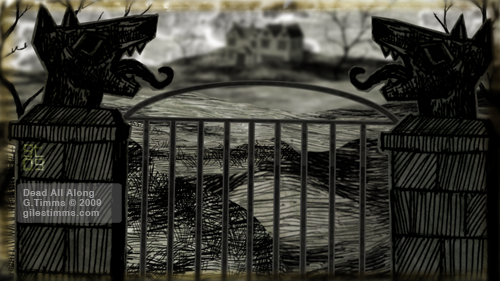
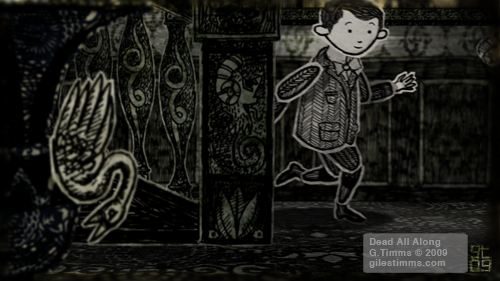
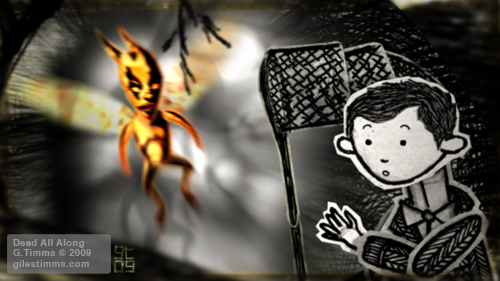
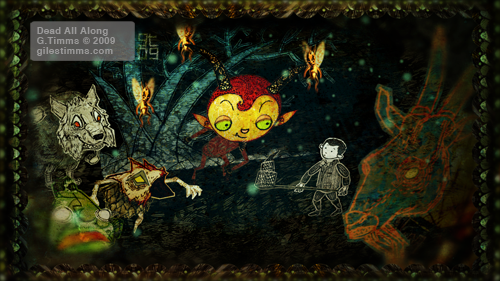
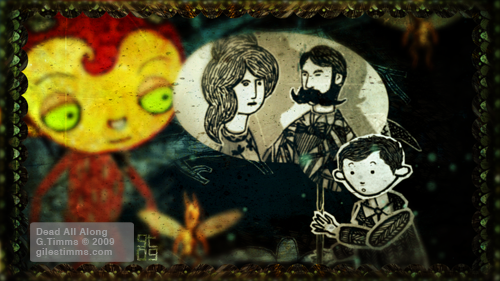
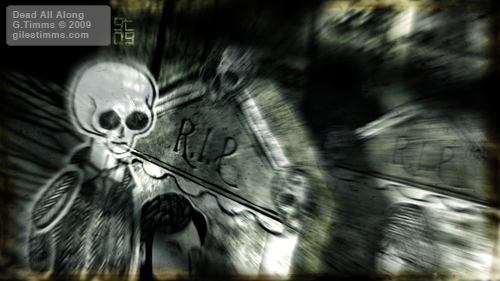
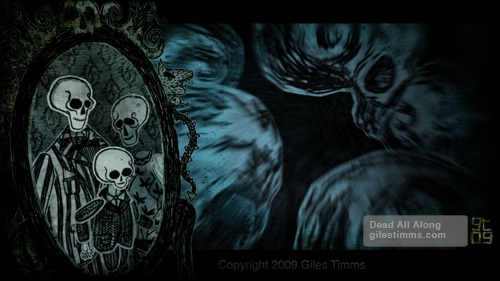
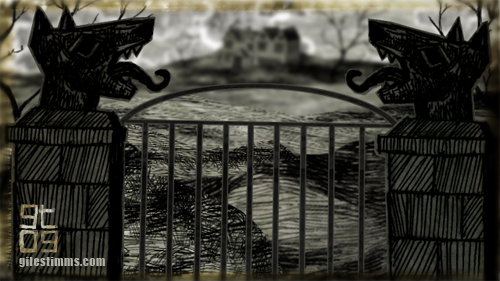
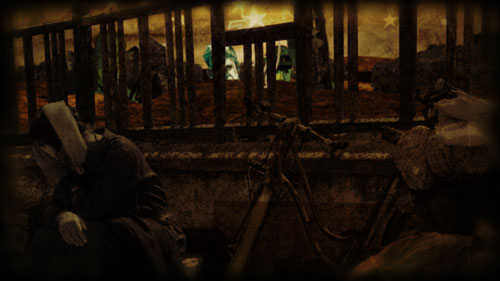
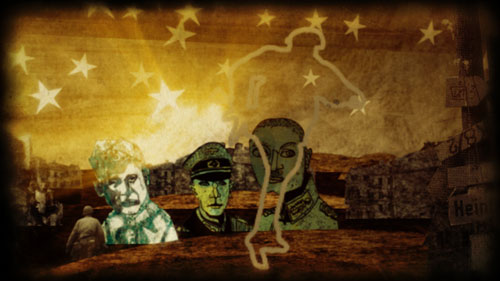
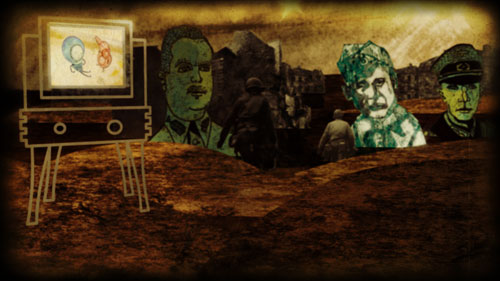
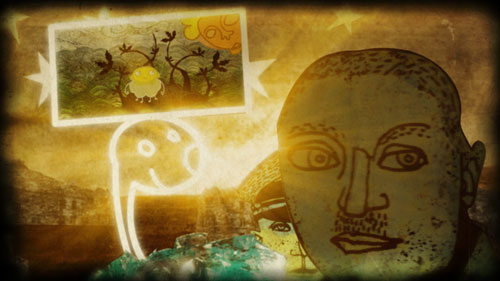
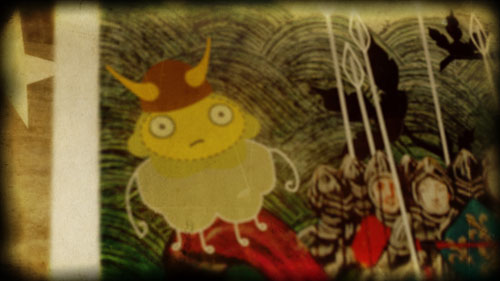
Dead All Along Stills

Dead All Along, Giles Timms 2009

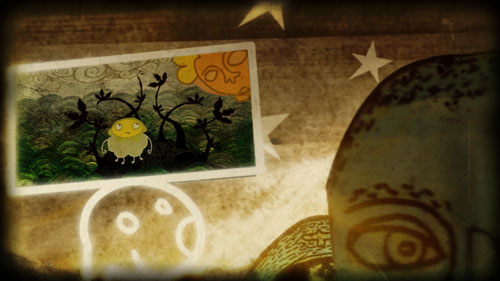
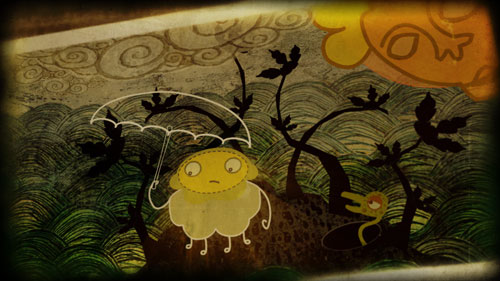
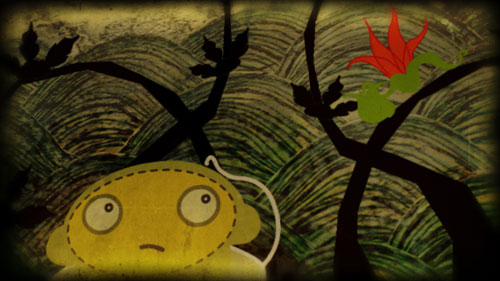
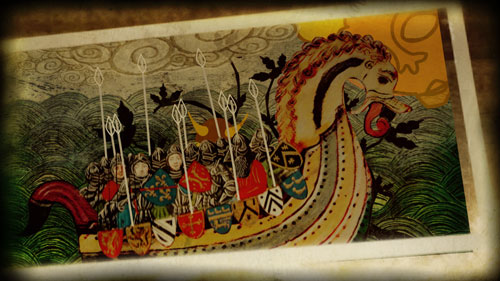
Image stills from my new music video, Dead All Along, performed by Ceri Frost.

Enchanted by a fairy, a child called Yorick briefly journeys in the fairy kingdom, but when Yorick returns to his world he discovers that everything has changed. The art direction for the film is inspired by the work of Edward Gorey and so the worlds and characters are hand-drawn in pen and ink.

Produced at UCLA’s Department of Theater, Film and Television, Animation Workshop. To be released this fall, 2009 :)

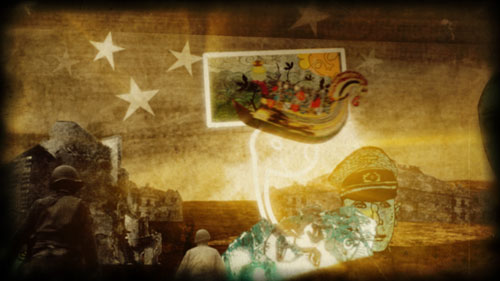
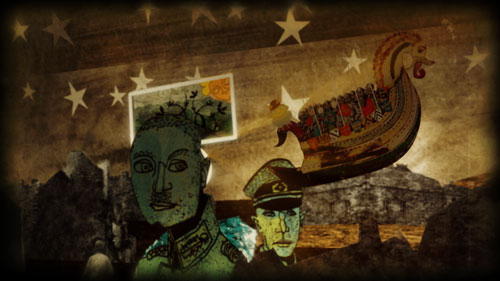
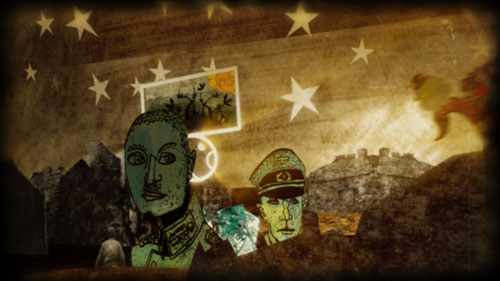
Dead All Along, Opening Scene

Dead All Along, Opening Scene, Giles Timms 2009
A still image from the opening scene for my animated music video, ‘Dead All Along’ performed by Welsh musician Ceri Frost.

Here is the revised treatment for the music video.

Logline: Enchanted by a fairy and transformed into a faun, a child called Yorick briefly journeys in the fairy kingdom, but when Yorick returns to his family he discovers that he and his family are already dead.

This is based on the myth of Tir Nan Og, an alternate or parallel universe, a place where time stands still and there is no sickness or death. The fairy kingdom is said to be a hilltop one, but invisible, or composed of magnificent underground cities. Fairy kings and queens rule there. Humans who enter the fairy realm cannot leave once the door closes behind them. Those who do leave may find that years have passed on earth during what was, for them, but minutes in the fairy kingdom.

I’m working hard on finishing this up this weekend so that it can be shown at UCLA’s PROM, the Animation Film Festival, on June 6th :)

Hand drawn and Photoshop with compositing in After Effects.

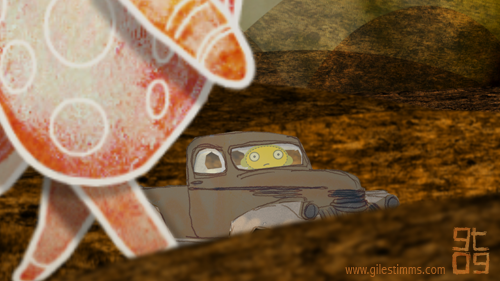
Giant Bird and Mr. Chip

Giant Bird and Mr. Chip, Giles Timms 2009

First pass render of a scene from Manifestations, my animated music video with music by Welsh composer Ceri Frost. In this scene a giant bird walks by Mr. Chip in his truck.

Rendered in After Effects, work in progress.

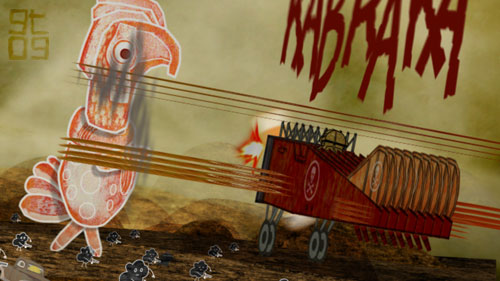
Biplane Swoop

Biplane swoop, WIP, Giles Timms 2008
Still image render from my Manifestations music video. A biplane swoops down to attack a giant bird.

Animated in After Effects, work in progress.

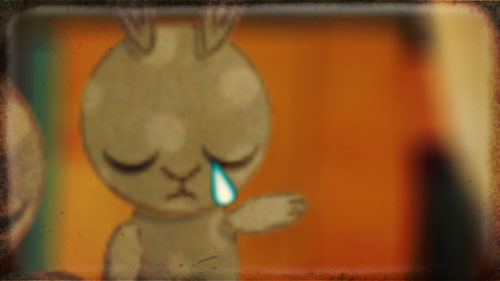
Making bunnies cry

Making Bunnies Cry, Manifestations, Giles Timms 2009

Still image from my animated music video, Manifestations, with music by Welsh composer, Ceri Frost.

Created with Photoshop and After effects.

Dream Animation Stills

Dream Animation Stills, Giles Timms 2008

More Dream animation stills from scene two of my short film. This is from the latest render of my loose narrative, music video/short film that I have been working on at UCLA this quarter. The music is by the amazingly talented Welsh composer Ceri Frost.

This film is a combination of TVPaint, Flash, hand drawn, hand painted, and Photoshop elements put together in After Effects. This film is almost finished and should be complete before January :)

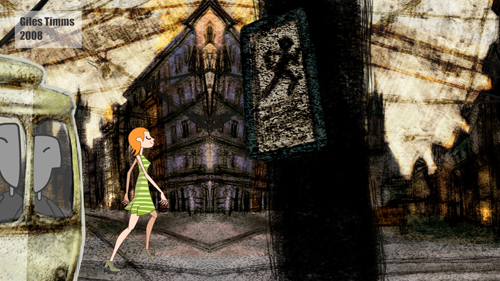
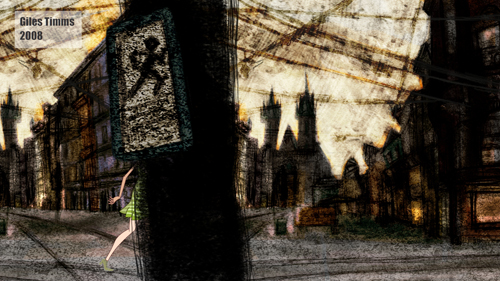
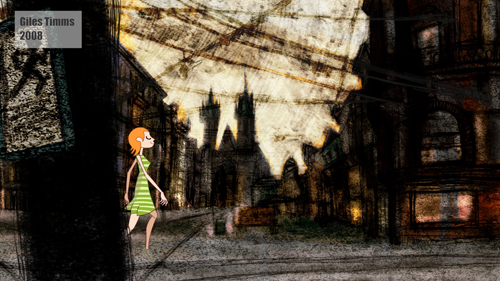
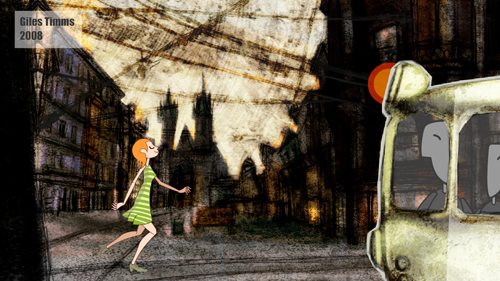
Image Stills From Walk Vignette

Image still from walk vignette

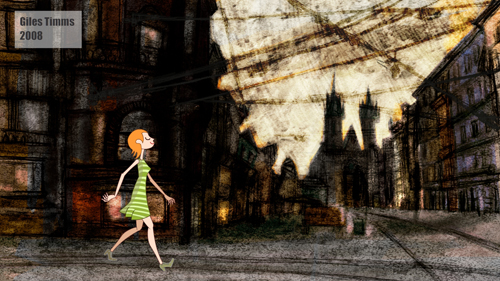
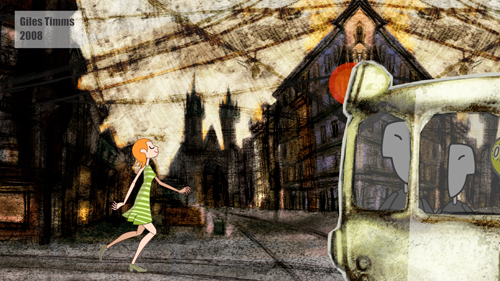
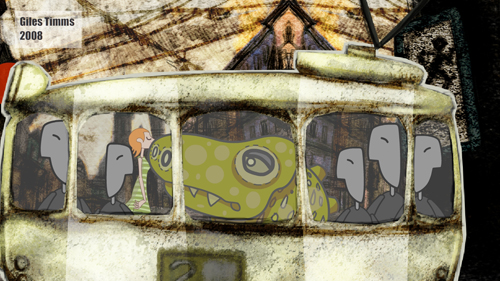
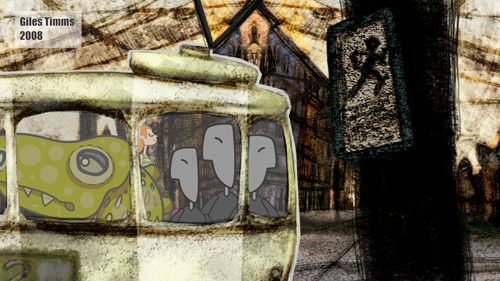
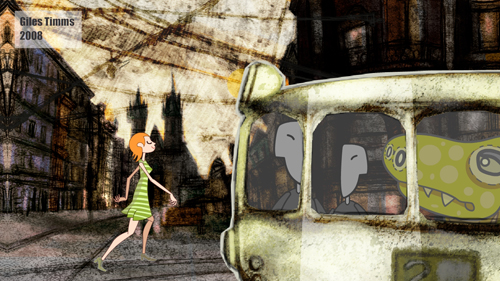
Image stills from my walk cycle vignette. Created with Photoshop and Flash at UCLA’s Animation Workshop.

I guess this vignette is sort of inspired by my weekly experiences of taking the bus in LA :)

Return top