Featured Filmmaker and Film Of The Week on mtvU Bestfilmoncampus.com

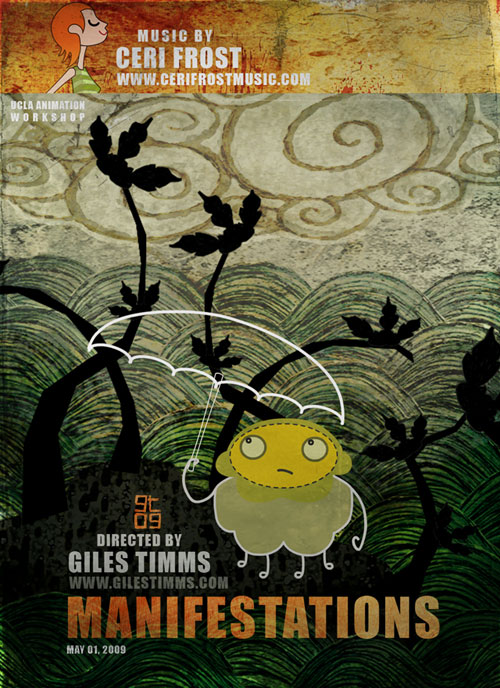
Manifestations, Giles Timms 2009

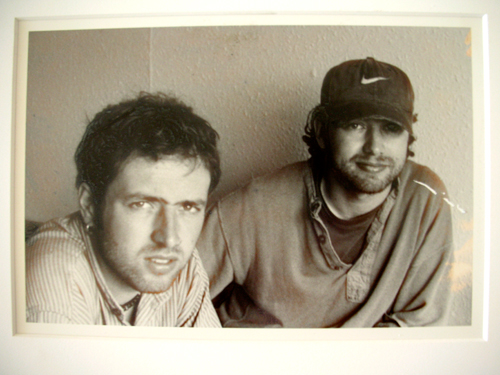
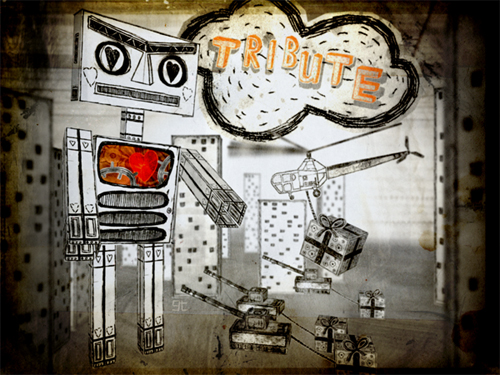
My animated short film, Manifestations got me selected as the Featured Filmmaker and Film of the Week on mtvU Bestfilmoncampus.com this week.

Thanks ever so much to Eleni Crush of mtvU Digital Media :)

Sketches and Photos of Lodgepole, Sequoia National Park

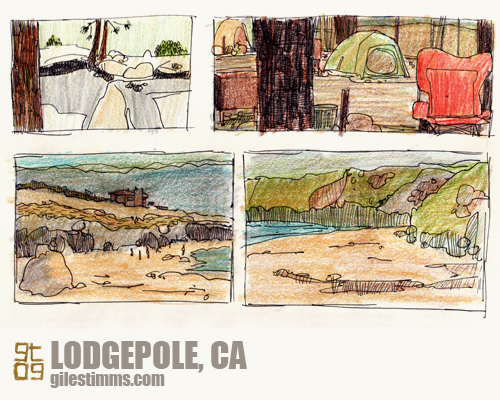
Sketches of Lodgepole, Sequoia National Park, Giles Timms 2009
Another set of sketches from our road trip and camping trip to northern California. For part of our trip we camped at Lodgepole, Sequoia National Park. Above are some sketches of Lodgepole, Sequoia National Park. Colored pencil and pen and ink on paper.


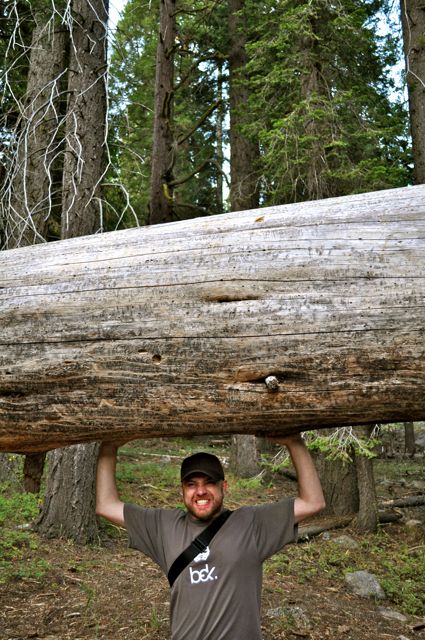
It was an amazing place. We saw lots of wildlife including a black bear cub and a scorpion (the scorpion was living under our tent – see photo below :)
Scorpion at Lodgepole, Sequoia National Park, Giles Timms 2009

RAWWRR, Sequoia National Park, Giles Timms 2009
RAWWRR…

Sketches of Big Sur and Monterey

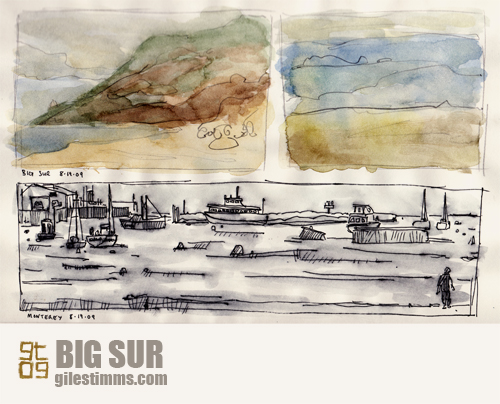
Sketches of Big Sur and Monterey, Giles Timms 2009
Last summer we went on a great road trip and camping trip to one of my favorite northern California places, Big Sur. Here are some sketches of Big Sur and Monterey from that trip. Watercolor and pen and ink on paper.

How to render an iPhone wallpaper from After Effects

iPhone/iTouch Wallpaper, Yorrick from 'Dead All Along,' © Giles Timms 2009

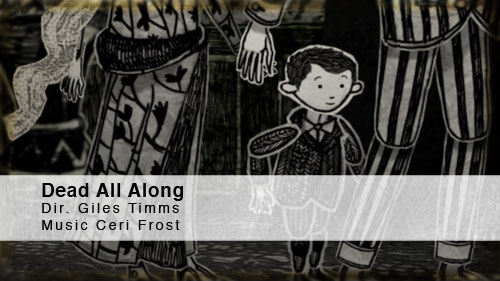
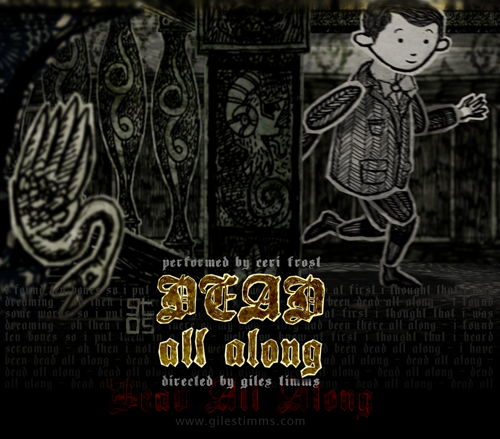
Above is my first iPhone/iTouch wallpaper, which was created from my animated music video ‘Dead All Along.’ I’ve added a wallpaper section to my website so that I can add more free wallpapers for download.

The following is an easy tutorial on how to render out stills from your After Effects film and create great looking wallpapers for an iPhone or iTouch, by taking advantage of the iPhone and iTouch native resolution.

    Technical Info

An iPhone and iTouch both have display sizes of 320x480px, at 2:3 aspect ratio and a resolution of 163ppi. After Effects renders out stills at 72ppi. So to ensure that the film frames look as good as possible on the small iPhone and iTouch screens we simply have to render out a larger still image from After effects at a 2:3 aspect ratio and then resize in Photoshop. The larger After Effect image needs to be 2.26388889 times (163 divided by 72) larger than the iPhone/iTouch display and use a composition size of 724 x 1086.

    Steps

1. With your scene selected in After Effects, change the Composition Settings (composition–>settings) so that the width and height are 724 by 1086 (see screenshot below)

After Effects Composition Settings

2. Move the camera, and possibly props/characters to ensure the composition is still good
3. Render out the single frame as a PNG sequence
4. Open the png render in Photoshop and resize the image’s Resolution setting (Image–>Image Size) to 163 making sure to deselect the ‘Resample Image:’ check box (see screen shot below)

Photoshop Resize

5. Save the image
6. Lastly, two optional steps you can perform to increase the quality of your image are to increase the Saturation (Image–>Adjustments–>Hue/Saturation) and apply an Unsharp Mask (Filter–>Sharpen–>Unsharp Mask). The amount is dependent upon the image so you will probably have to fiddle and test the results.

Animator on Jeffrey Blitz’s Lucky

One of my animated stills from the film Lucky, by Jeffrey Blitz

The above is a still from one of the animated sequences I illustrated and animated for Jeffrey Blitz’s new documentary, Lucky. Lucky premiered at Sundance 2010. I was fortunate to work again as an animator and illustrator with Bill Barminski from Walter Robot on this production and it was also great working with Jeffrey Blitz. I found Jeffrey to be a very intelligent and challenging director. The sequences were animated in After Effects, with the illustrations drawn and colored/textured in photoshop.

The reviews of Lucky have been positive and it seems people also liked the animated sequences, as this review from Scott Weinberg testifies “with nifty animated interstitials full of interesting jackpot stats.” You can read Scott’s full review here:

http://www.cinematical.com/2010/01/27/sundance-review-lucky/

I’m excited to see the full film. Please leave a comment if you’ve seen the film and let me know what you thought, thanks.

Neil Diamond Treatment

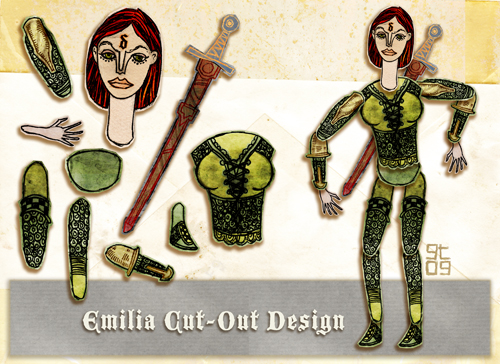
Neil Diamond Cut-Out Design, Giles Timms 2010

Barnaby Character Design, Giles Timms 2010

I’ve been busy with freelance commercial work and have neglected my blog. Plus I had to upgrade WordPress and migrate to a new host, which I just completed this week. With the migration and upgrade complete I’ll be back to posting regularly. Anyway, above is a color comp, cut-out design and character design I put together for a music video treatment I submitted last year for Neil Diamond through RW Media. I didn’t get the gig :(

Interview on ‘Something We Like’

gt

Thanks to Peter Halim for my interview on ‘Something We Like.’ You can check out the interview here:

http://www.somethingwelike.com/inspirational/creating-worlds-images-stories

Manifestations at the Anchorage International Film Festival

Manifestations, Giles Timms 2009

Manifestations is screening at the Anchorage International Film Festival.

Thanks ever so much to Teresa Scott :)

Faerie and Baby Color Comp Illustration

Faerie and Baby Color Comp Illustration, Giles Timms 2009

Faerie and baby color comp illustration for a freelance animation project. Hand drawn on paper and colored in Photoshop.

Featured as a Film News Briefs ‘November Filmmakers to Watch’

Dead All Along, Featured as a Film News Briefs 'November Filmmakers to Watch'
Another cool shout-out for my animated music video, ‘Dead All Along’ and work in general. I was featured as “an emerging filmmaker to watch” as part of Film News Briefs November Filmmakers to Watch newsletter. The archive of the newsletter is here: Film News Briefs: November Filmmakers to Watch

Big thanks to Jessica Kantor :)

Return top